


Apneo
Guided breathing techniques, and breath-hold training.
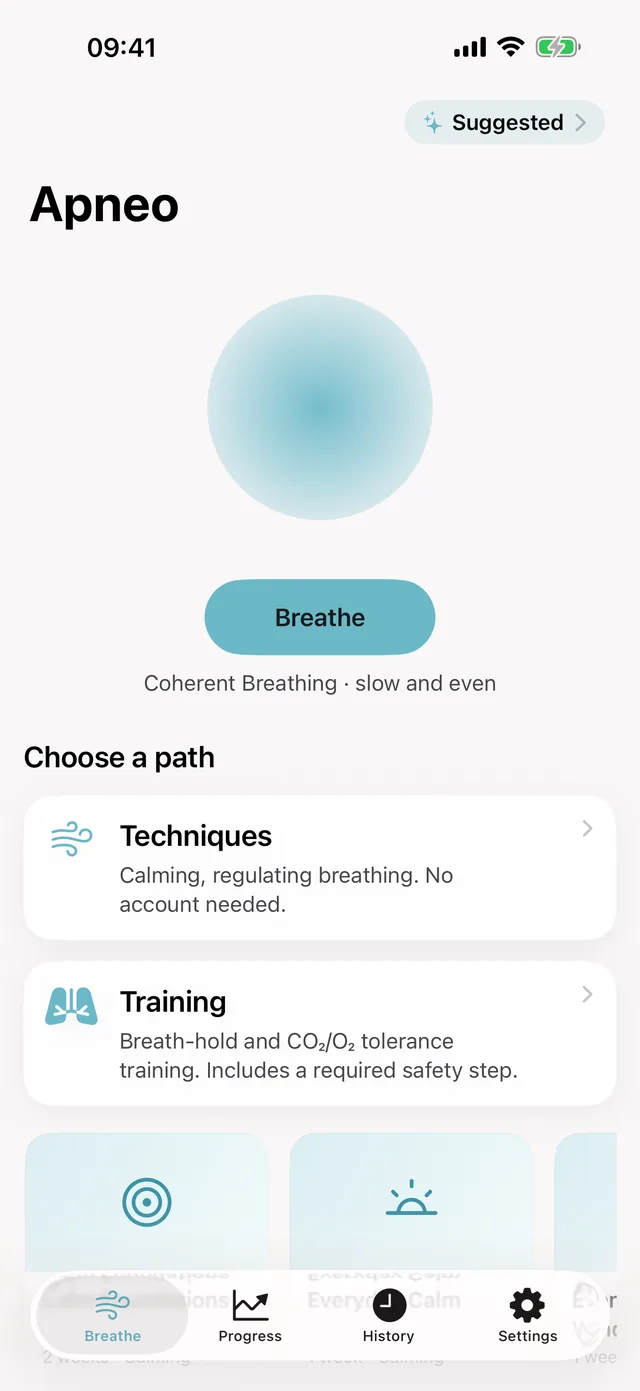
Apneo is two things in one app: nine guided breathing techniques to follow on screen, and breath-hold training — a Max Hold Test that sets your baseline, then CO₂ and O₂ tables calibrated to it. It runs on iPhone, iPad, Apple Watch, Apple TV and Mac. Every technique and both training tables are free. Coming soon to the App Store.
Coming to iPhone · iPad · Apple Watch · Apple TV · Mac
Coming soon to the App Store
Free to start: every technique, both training tables and live heart rate during a session. Apneo Pro, as a weekly, monthly or yearly subscription or a one-time lifetime purchase, adds the programs, the coach, heart-rate and recovery trends, the resonant-pace assessment and the custom-pattern builder.
- No account, no sign-in
- No ads, no analytics, no tracking
- Heart-rate readings are kept out of iCloud sync
- A subscription or a one-time purchase — every technique stays free
Apneo makes one request of its own: a check with Apple for a newer version, sending only the app's identifier. Everything else on the network is Apple's own services working for you — your iCloud sync, App Store purchases, and a paired Apple TV if you use one.
Breath-hold training carries real risks. Never practise in or near water, never alone, and not before or while driving — stop at once if you feel dizzy or uncomfortable. Apneo makes you read and acknowledge its safety warnings before the training section will open, and it does not replace instruction from a qualified freediving or breath-hold coach.
What it does
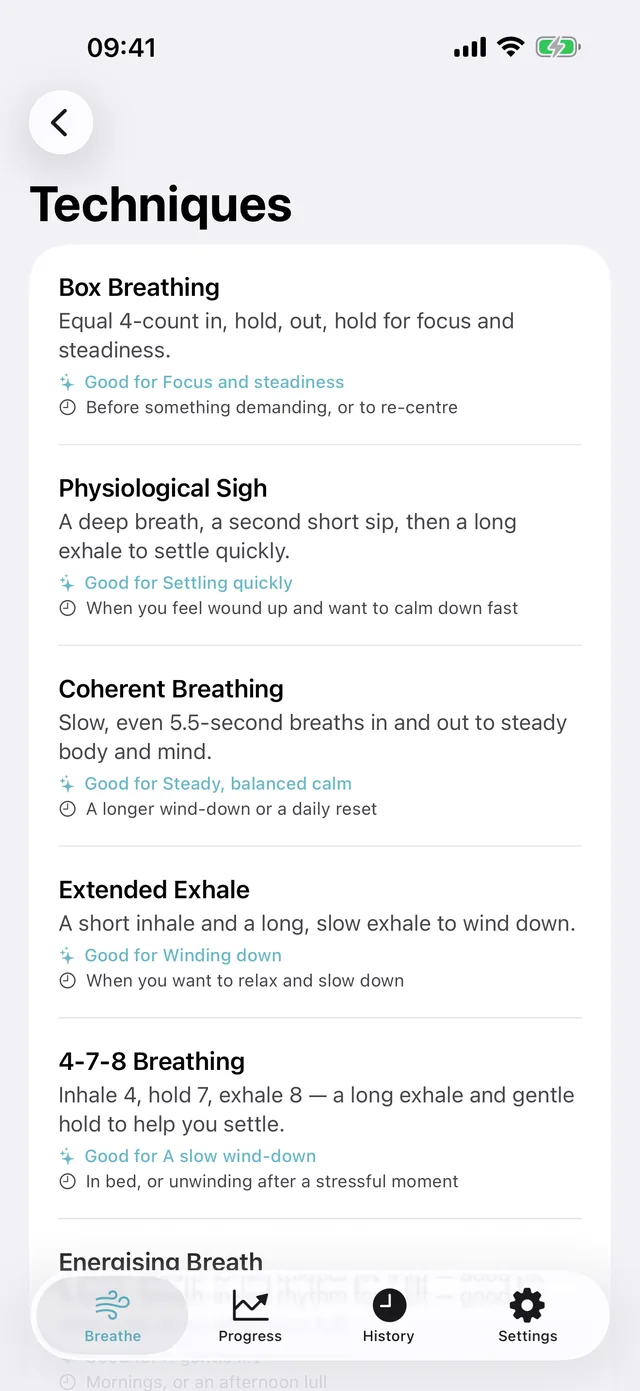
The techniques are ordinary breathing patterns — box breathing, a physiological sigh, 4-7-8 and six more — each with an orb to follow, a short explanation of what it is, and a note on when people use it. Nothing is behind a paywall.
The training side is breath-hold work, and it is kept deliberately separate: one Max Hold Test to find your baseline, then CO₂ and O₂ tables built from that figure. It sits behind a safety step you have to read and acknowledge, and a short reminder appears before every hold.
What is in it
Free· Needs Apneo Pro
Techniques
- Box Breathing — free
- Physiological Sigh — free
- Coherent Breathing — free
- Extended Exhale — free
- 4-7-8 Breathing — free
- Energising Breath — free
- Pursed-Lip Breathing — free
- Diaphragmatic Breathing — free
- Connection Breath — free
Breath-hold training
- Breath-Hold Basics — free
- Max Hold Test — free
- CO₂ Table — free
- O₂ Table — free
Programs
- Calm Foundations — needs Apneo Pro
- Everyday Calm — needs Apneo Pro
- Evening Wind-Down — needs Apneo Pro
- Steady Focus — needs Apneo Pro
- Quick Resets — needs Apneo Pro
- Breath-Hold Foundations — needs Apneo Pro
- CO₂ Tolerance Builder — needs Apneo Pro
- Longer Hold Progression — needs Apneo Pro
- Technique Tour — needs Apneo Pro
- Slow & Steady — needs Apneo Pro
Progress
- Breath-hold trend — free
- Streak and weekly totals — free
- Session history — free
- Heart-rate trend — needs Apneo Pro
- Recovery trends — needs Apneo Pro
- Resonant pace — needs Apneo Pro
Devices
- iPhone
- iPad
- Apple Watch
- Apple TV
- Mac
Every technique and both training tables are free, as are the breath-hold trend, streaks and session history. Apneo Pro adds the ten programs, the suggested-session coach, the heart-rate and recovery trends, the resonant-pace assessment and the custom-pattern builder — as a subscription or a one-time lifetime unlock. The recovery trends read from Apple Health and need an Apple Watch, so they are not part of the Mac app.
Screens
On iPhone · 10 screens
Techniques 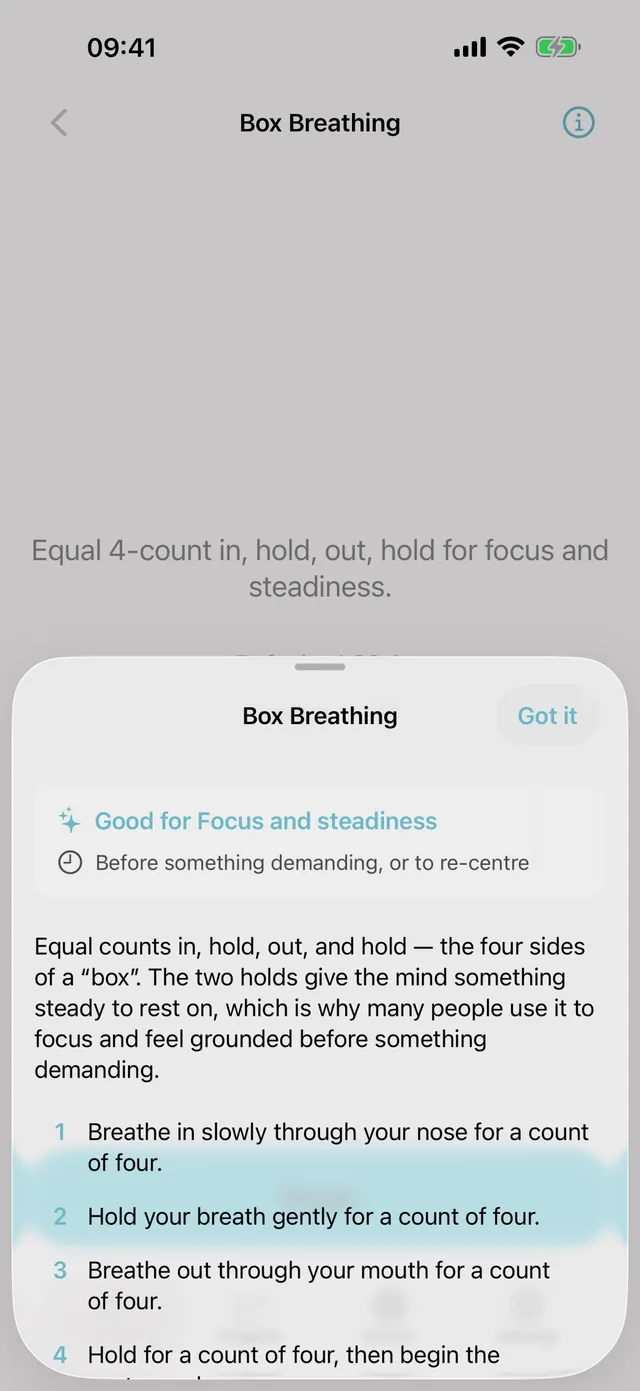
Ready to begin 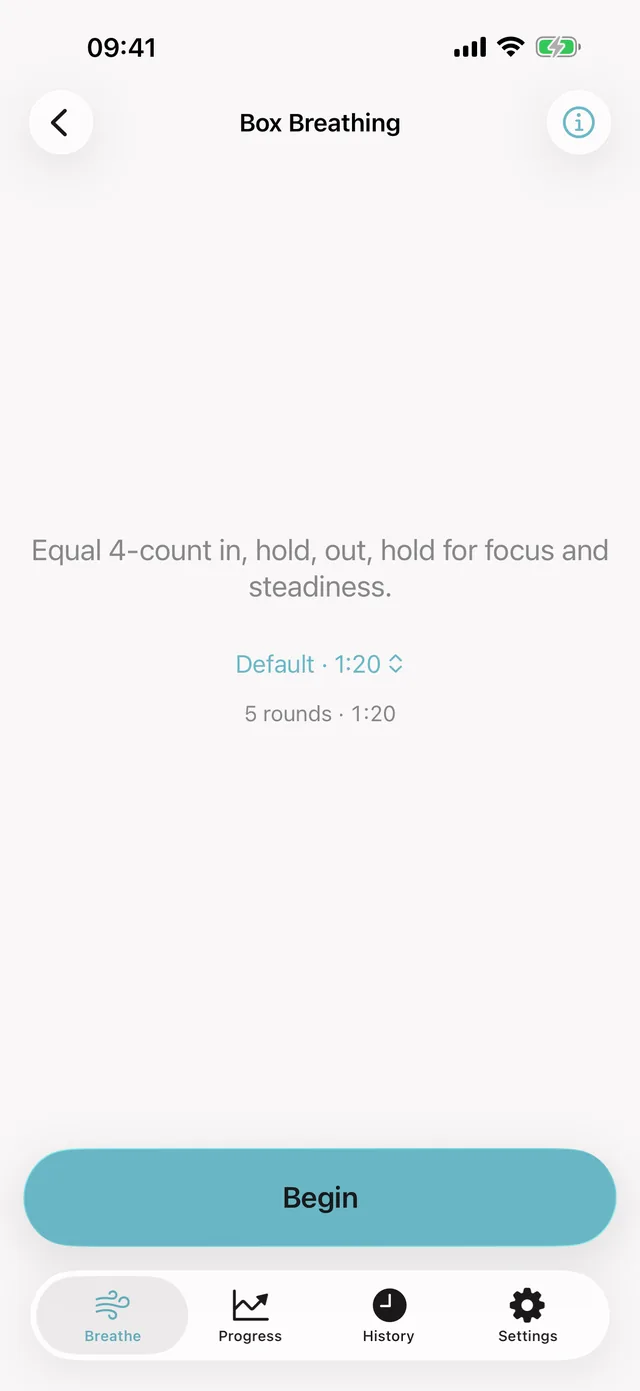
In session 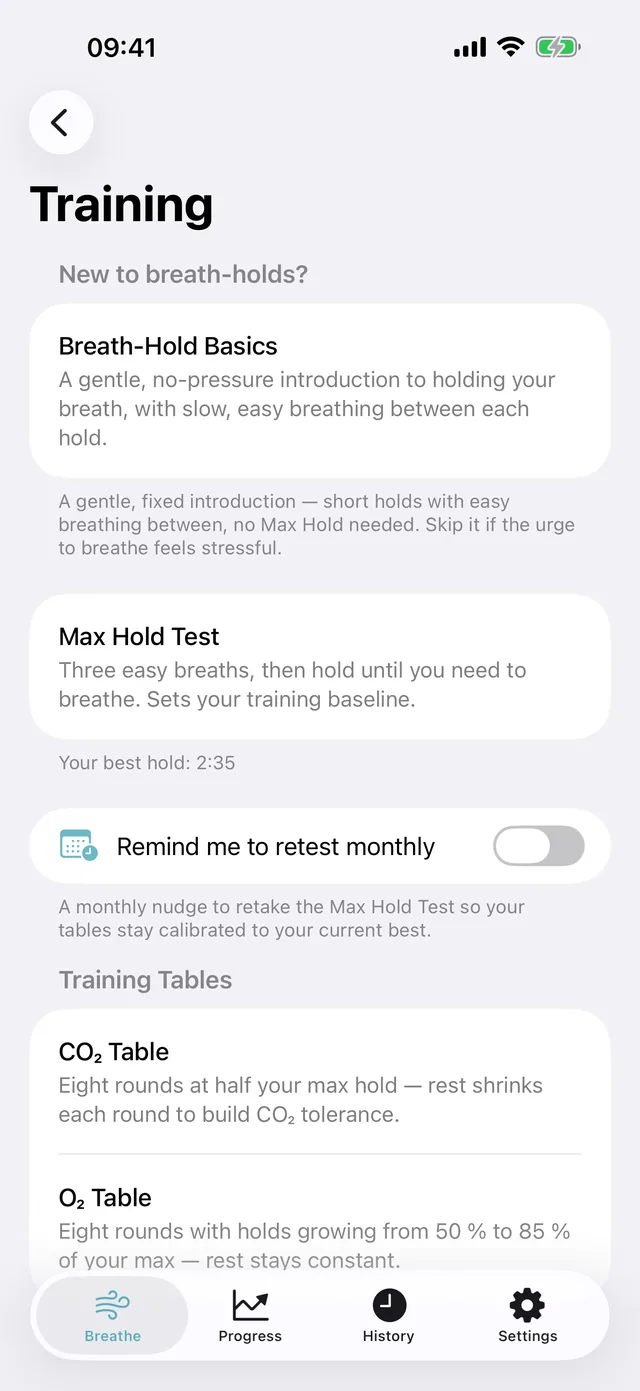
Training 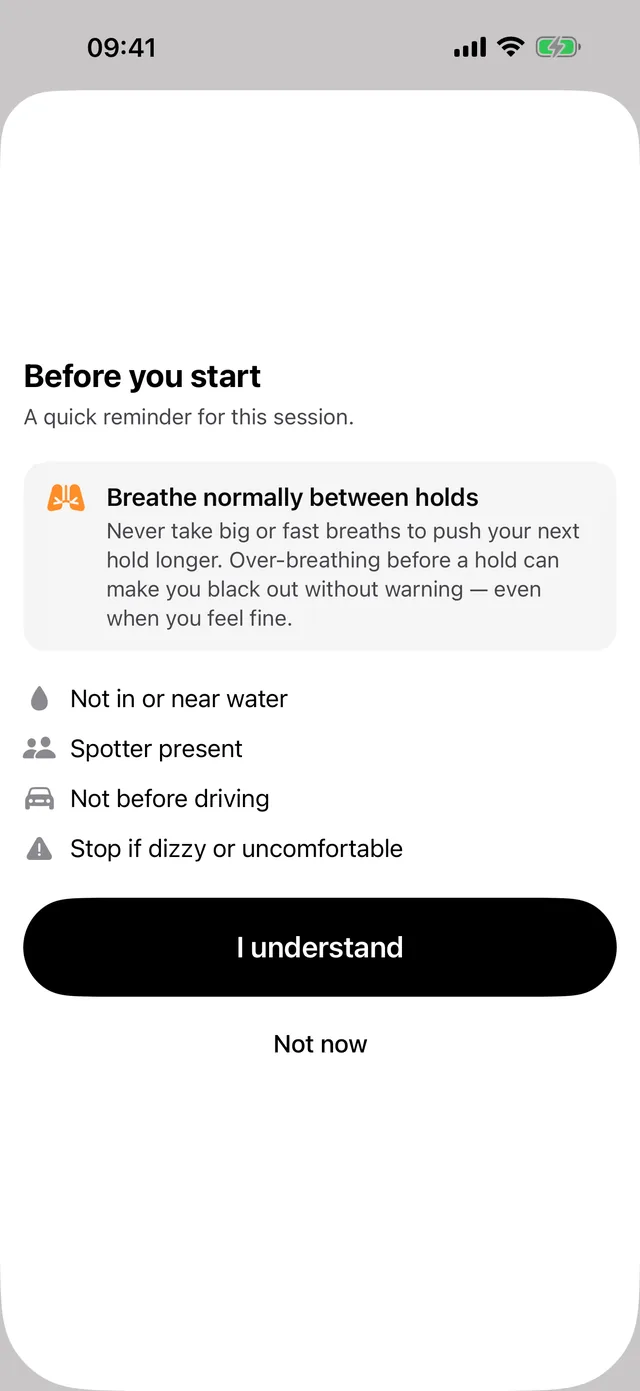
Max Hold Test 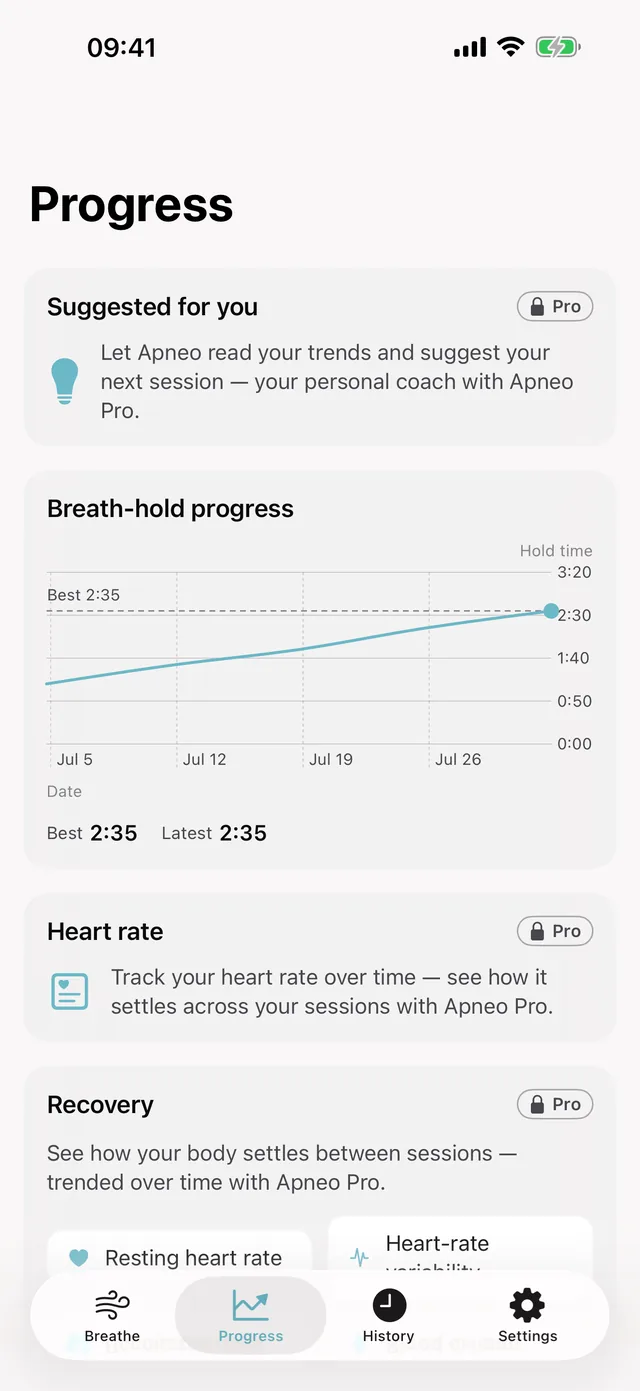
Your progress 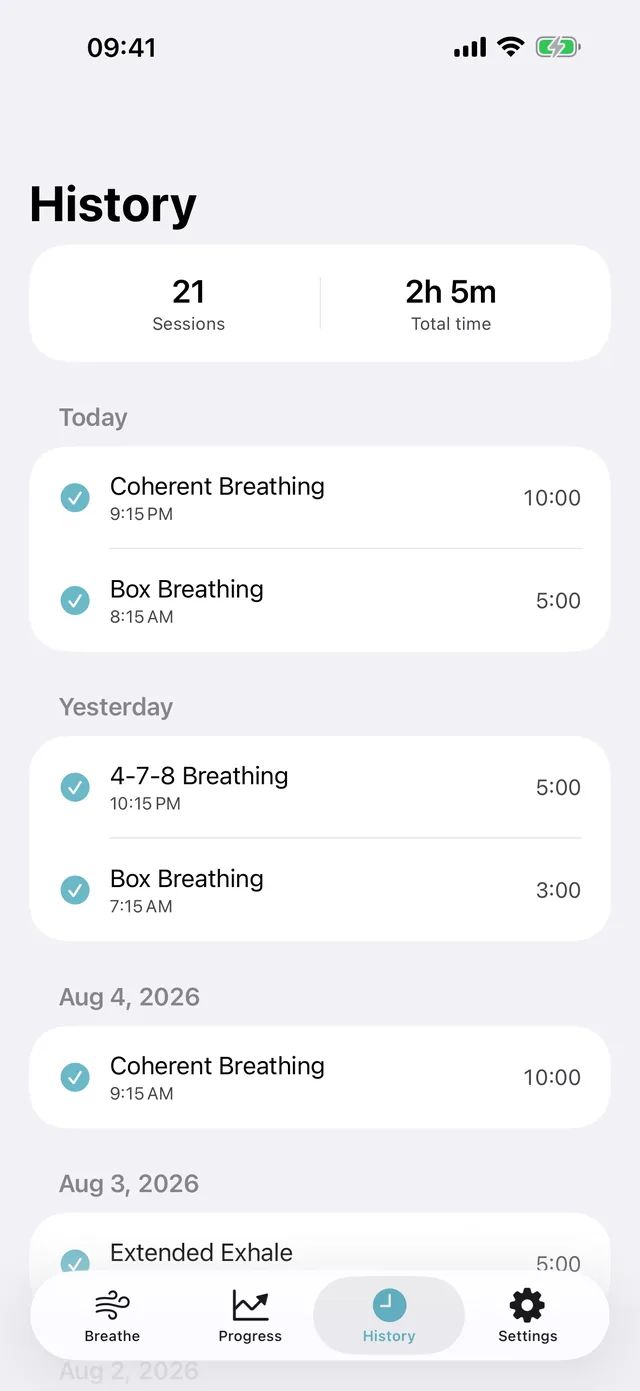
Session history 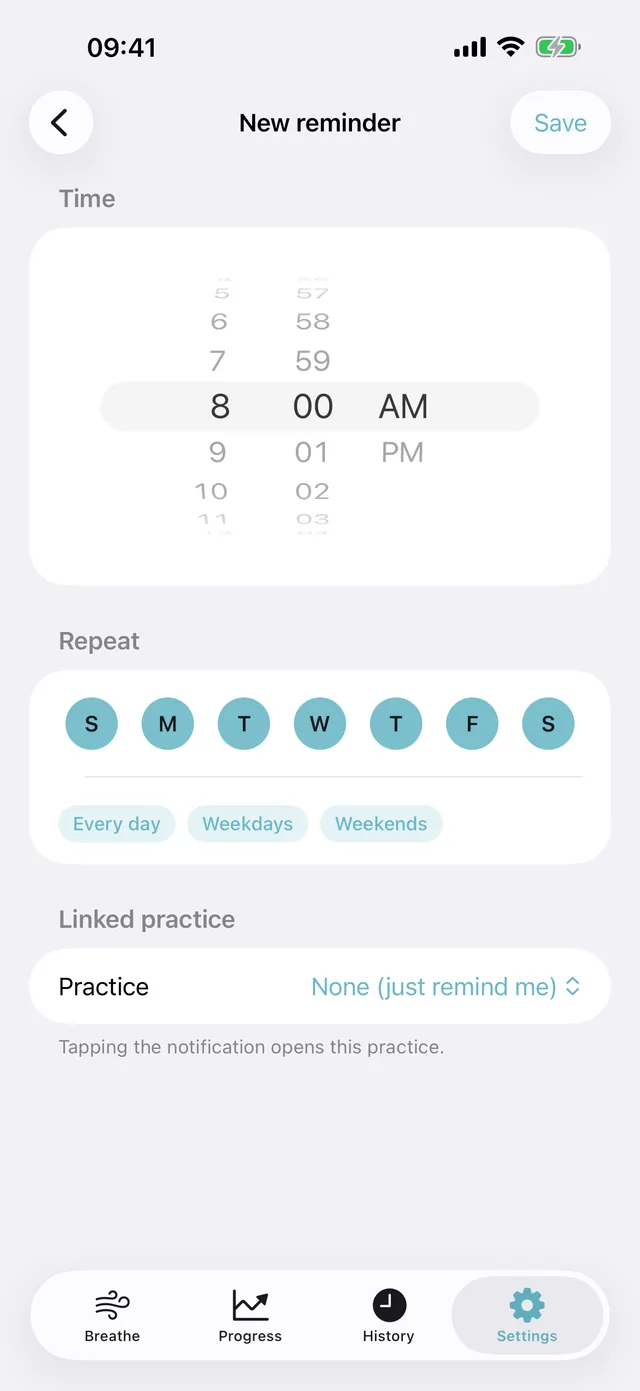
Set a reminder 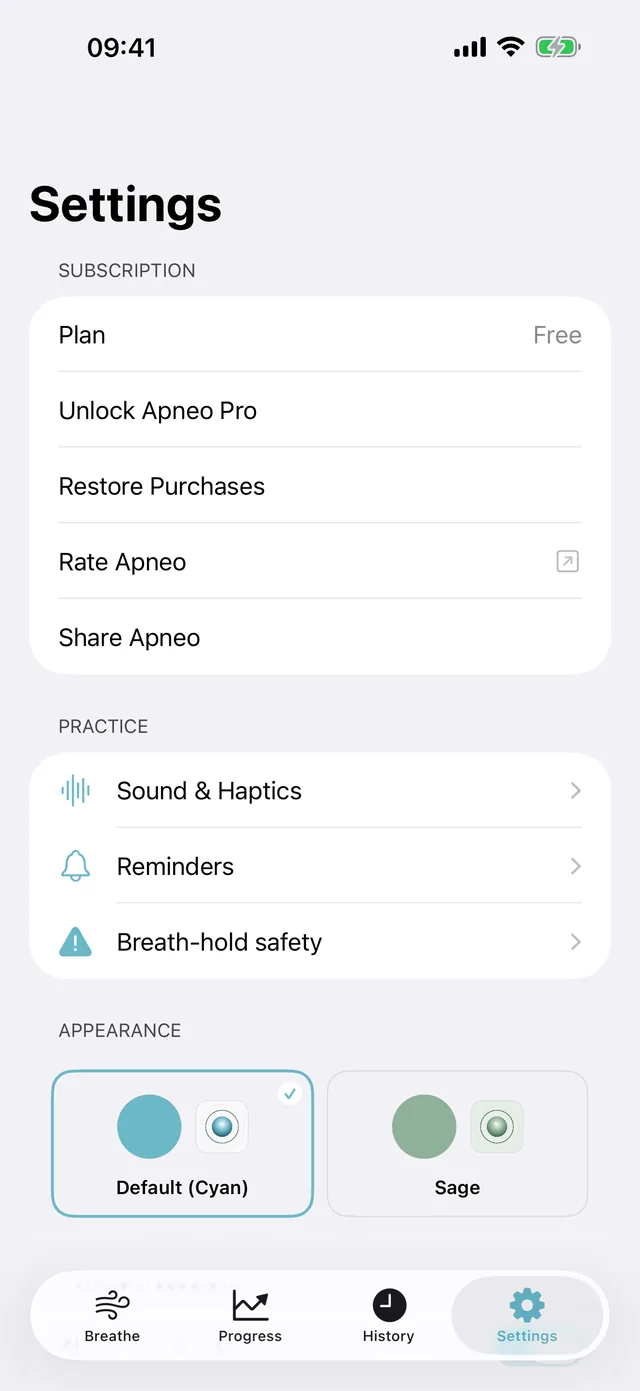
Appearance 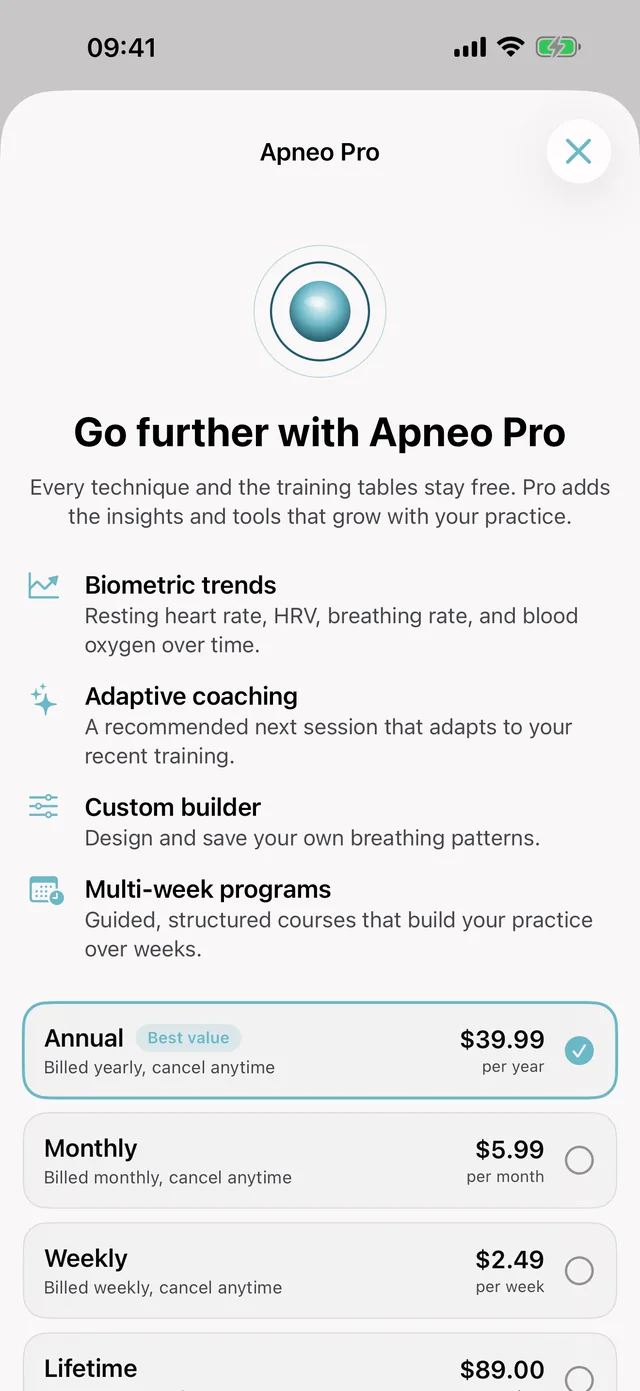
Apneo Pro
On iPad · 11 screens
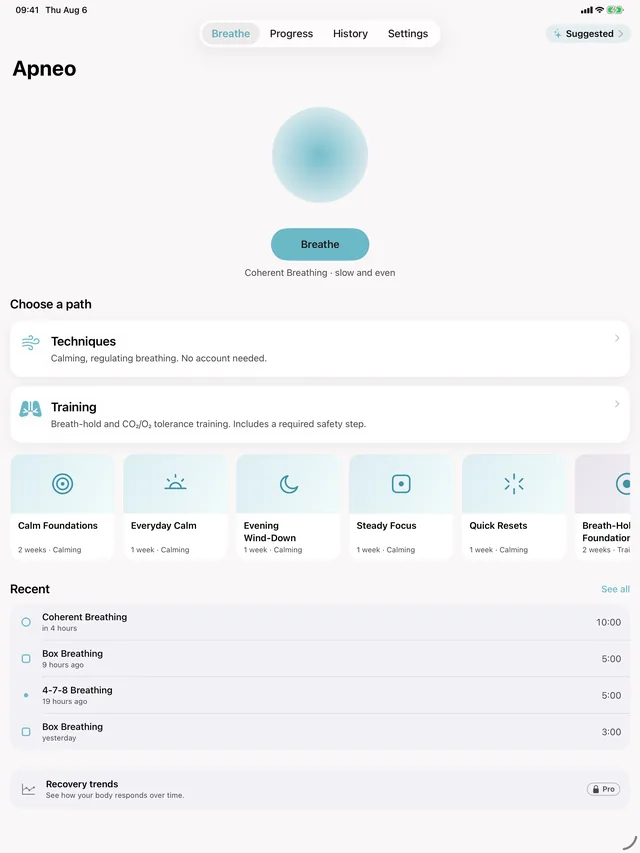
Home 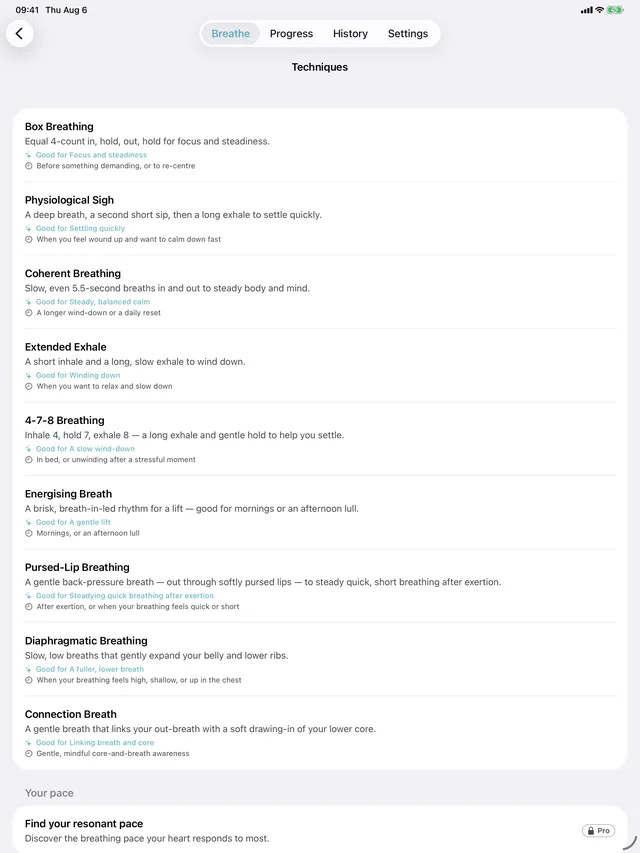
Techniques 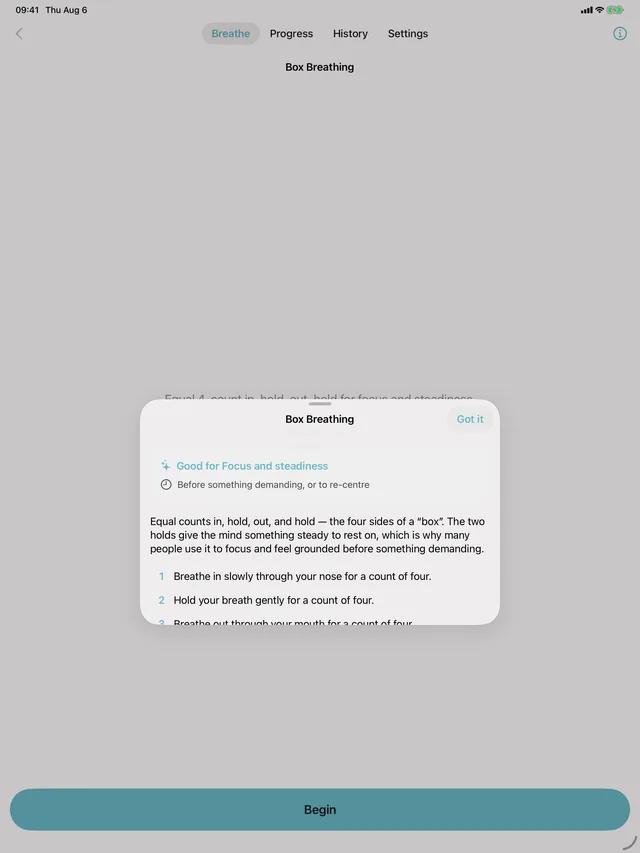
Ready to begin 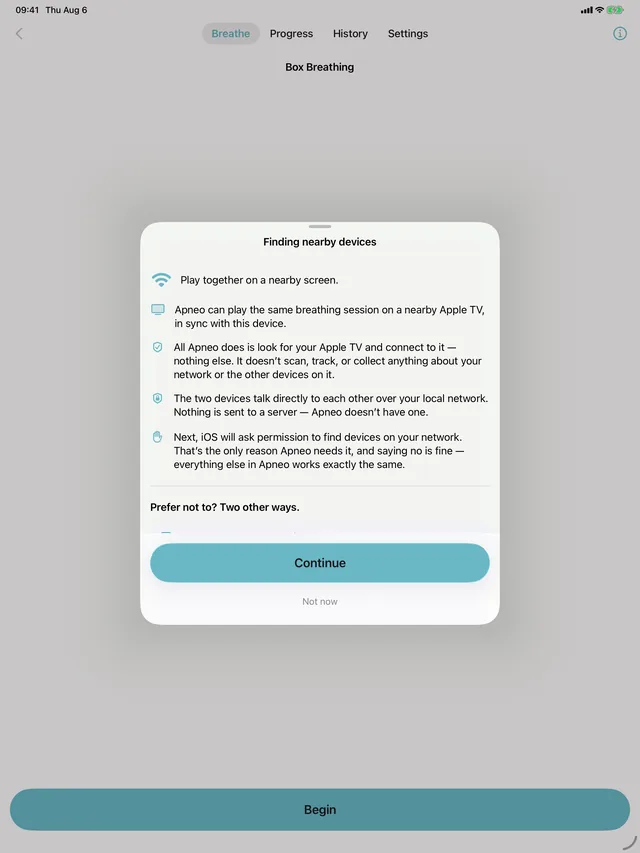
In session 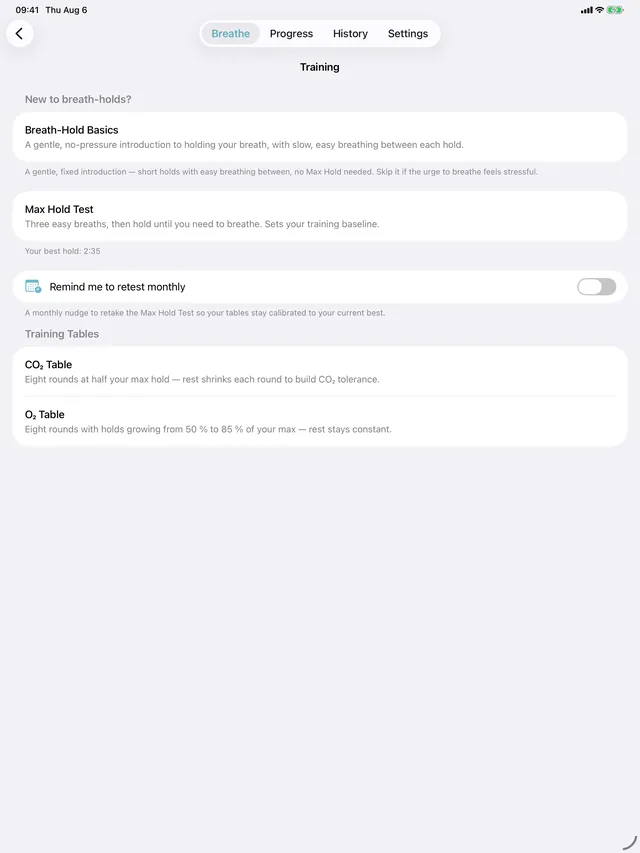
Training 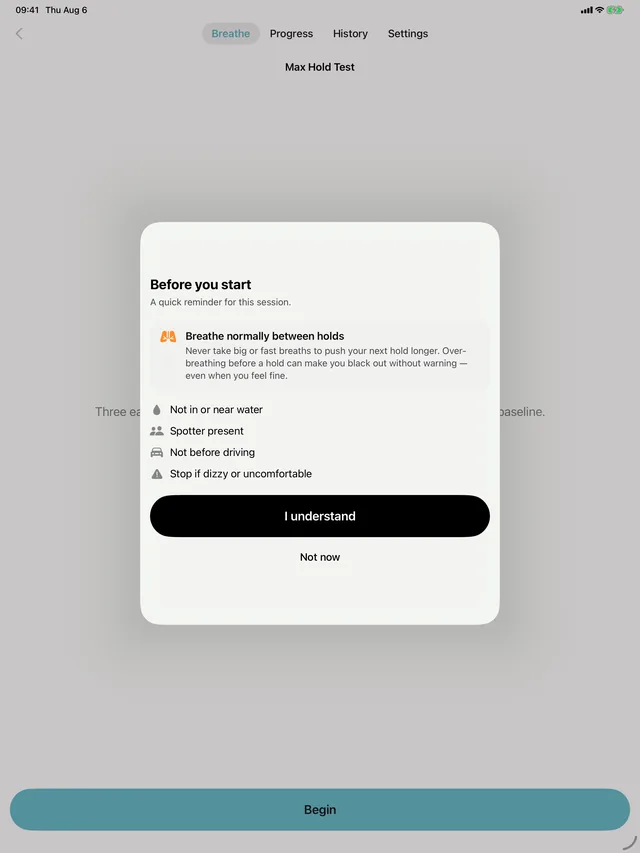
Max Hold Test 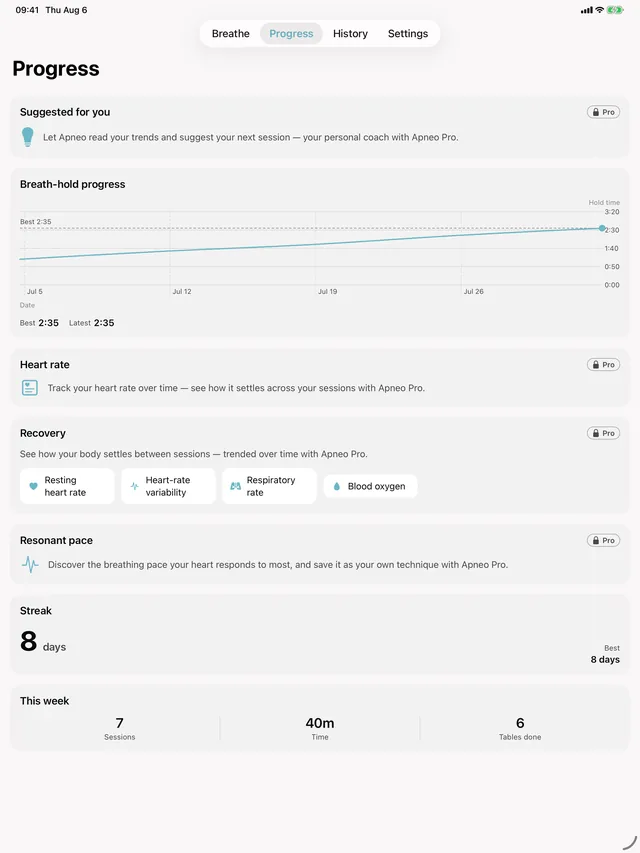
Your progress 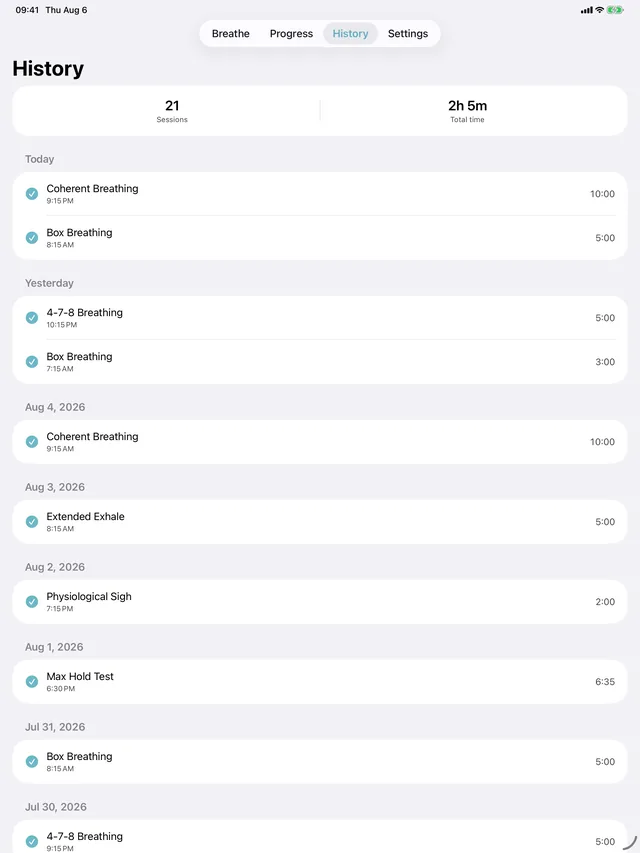
Session history 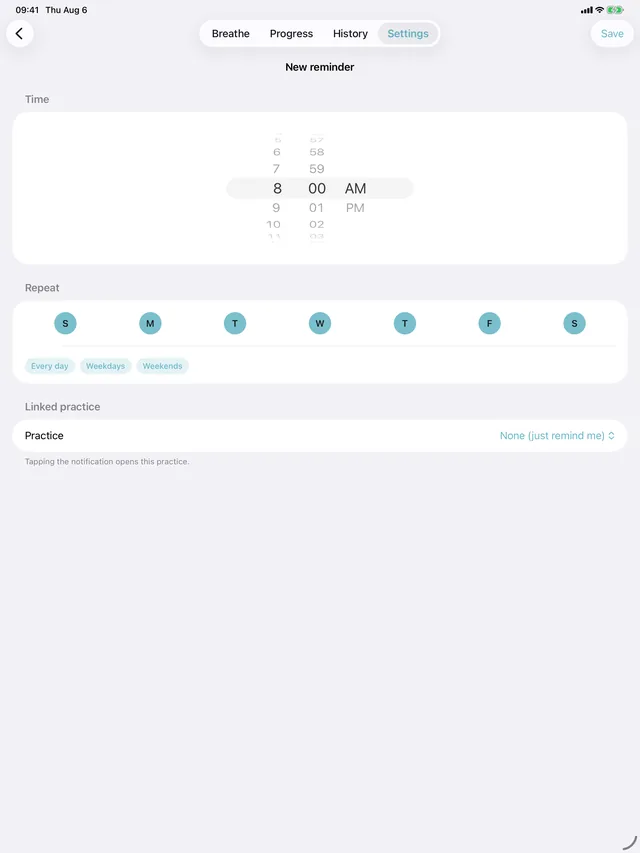
Set a reminder 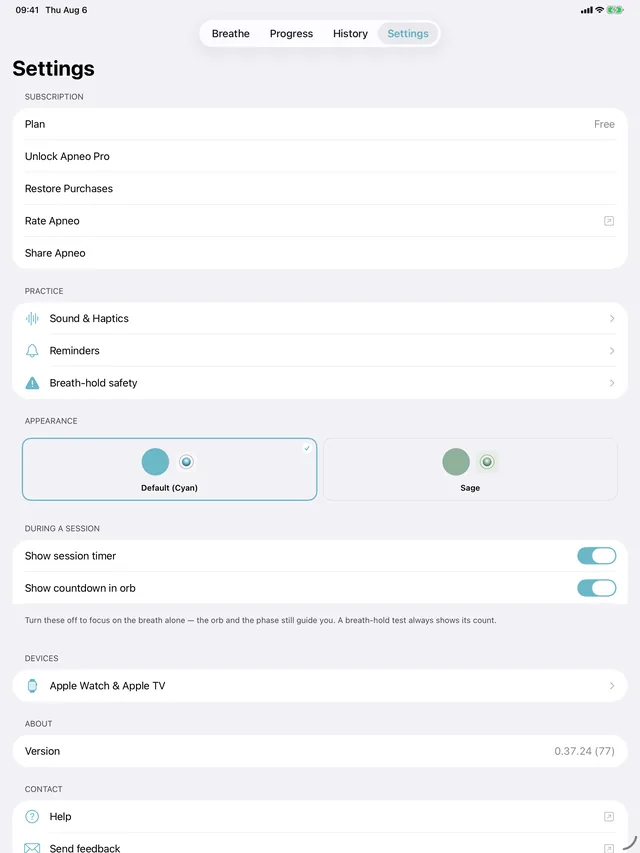
Appearance 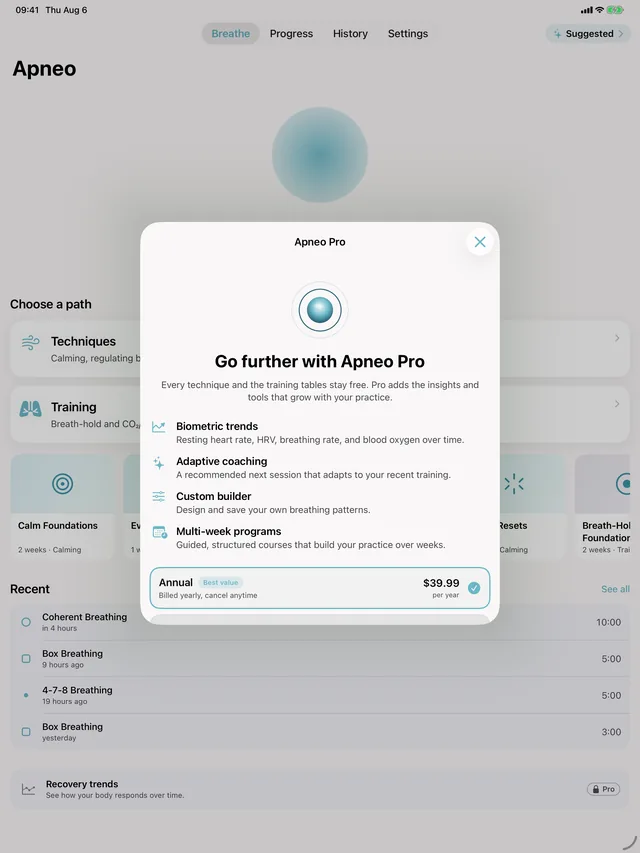
Apneo Pro
On Mac · 8 screens
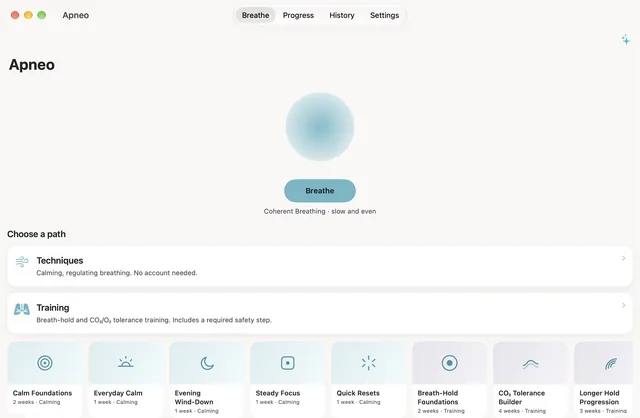
Home 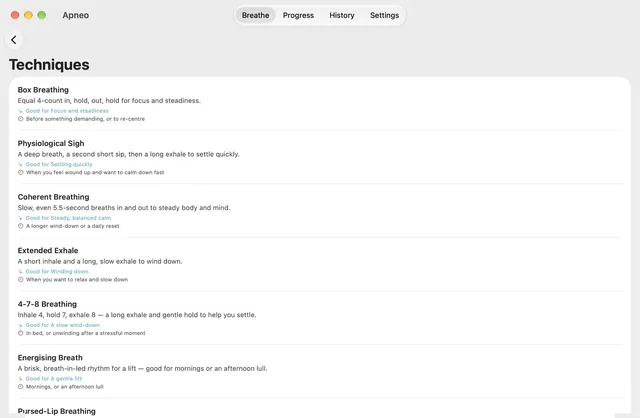
Techniques 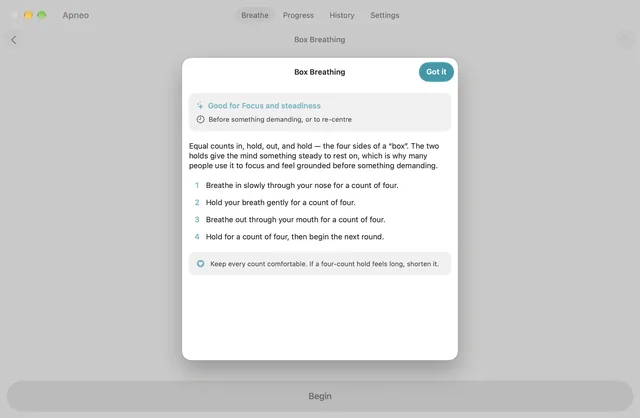
Ready to begin 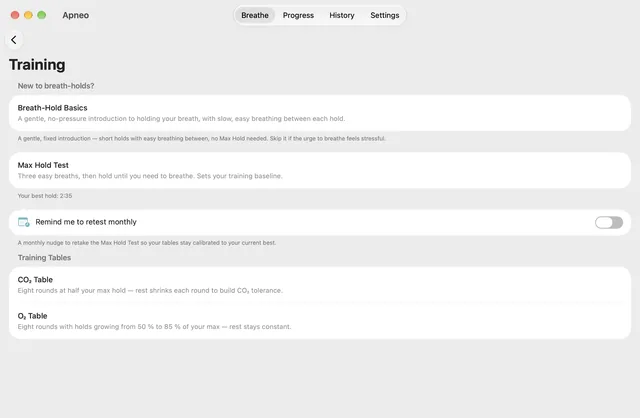
Training 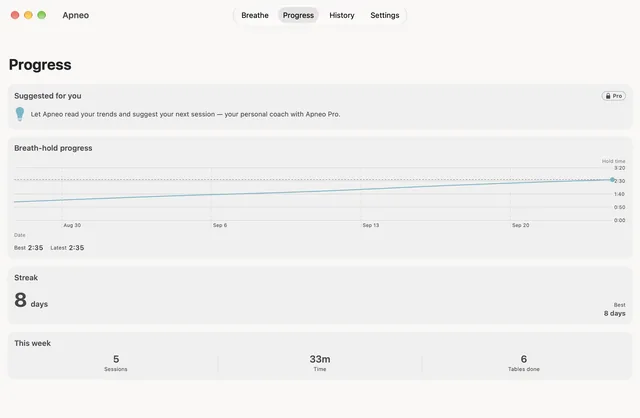
Your progress 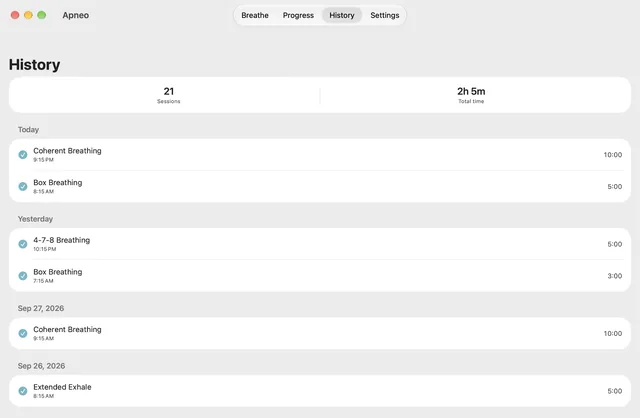
Session history 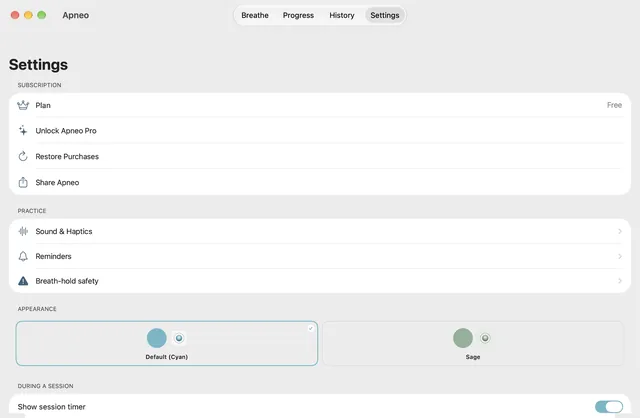
Settings 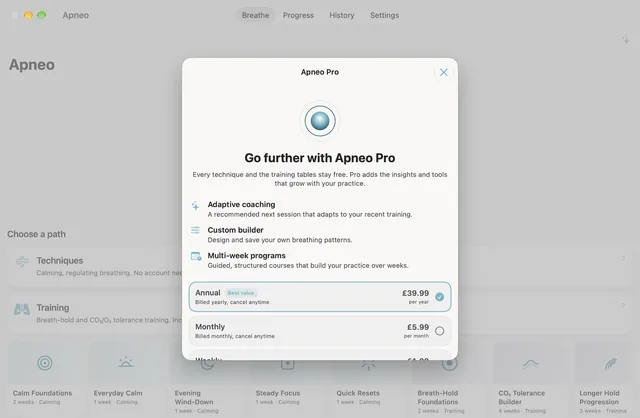
Apneo Pro
The Progress and History screens are captured from a seeded practice history, so the figures in them are there to show the app working rather than to represent anyone’s results.
Apneo is coming soon
Guided breathing techniques, and breath-hold training.
Free to start: every technique, both training tables and live heart rate during a session. Apneo Pro, as a weekly, monthly or yearly subscription or a one-time lifetime purchase, adds the programs, the coach, heart-rate and recovery trends, the resonant-pace assessment and the custom-pattern builder.
Coming soon to the App Store