

Kalmaro Calc
The everyday calculators you actually need, in one app.
Kalmaro Calc is a collection of 27 everyday calculators in one clean app for iPhone, iPad and Mac — from tips, VAT and discounts to loan, mortgage and savings repayments, room area and unit conversions, journey times and fuel costs, and quick figures like BMI. No sign-in, no clutter.
Runs on iPhone · iPad · Mac

Free to download, with thirteen of the twenty-seven calculators free to use. The rest unlock together with one one-time purchase.
In the UK: One-time unlock of every calculator £9.99. Prices differ by country — the App Store shows yours.

- No account, no sign-in
- No ads, no analytics, no tracking
- Every calculator works offline
- A one-time purchase, not a subscription
What it does
Kalmaro Calc is one app in place of the twenty-seven you would otherwise go looking for. Every calculator in it earns its place the same way: the sum is fiddly, or easy to get wrong, or simply not something you want to be working out by hand at the time.
Twenty-seven calculators, in eight groups
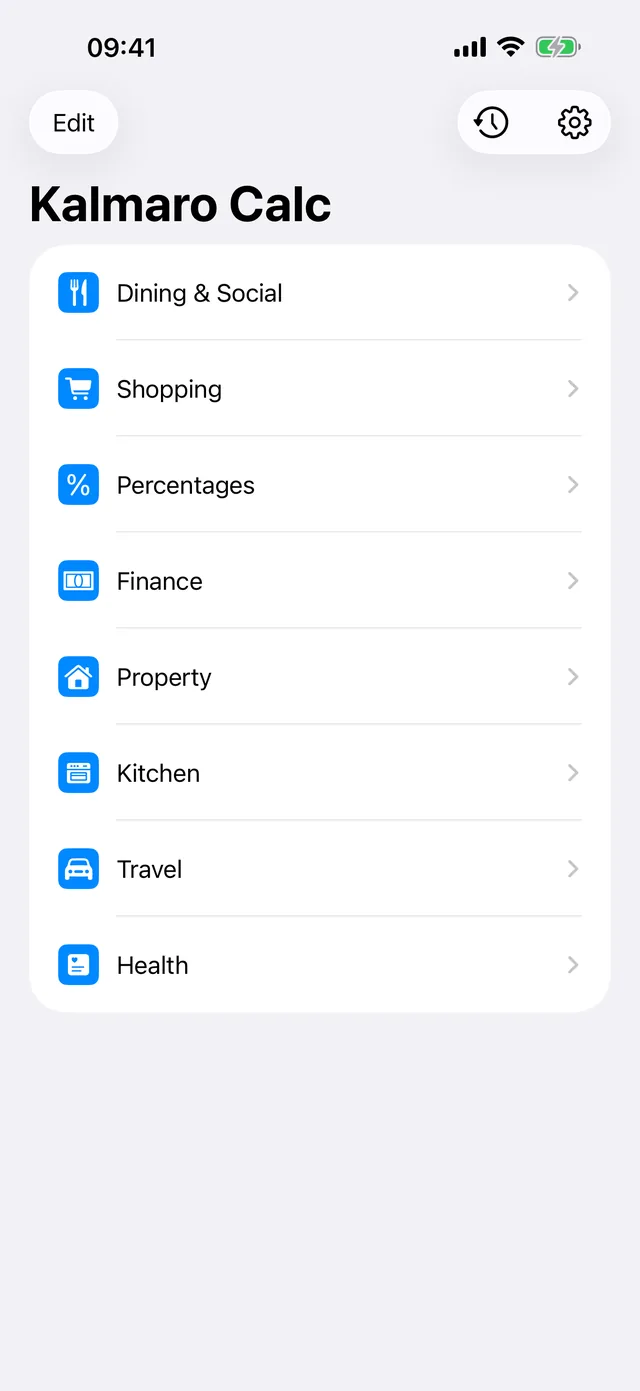
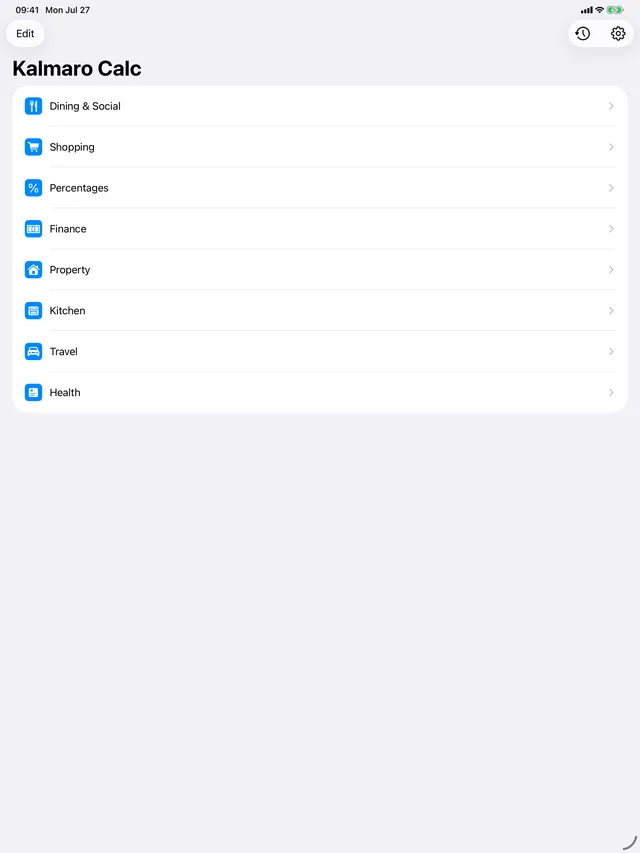
The menu is the whole app — Dining & Social, Shopping, Percentages, Finance, Property, Kitchen, Travel and Health. Nothing is buried behind a mode switch or a settings screen, and the ones you reach for most can be pinned to the top of the list.
- Thirteen are free; the rest unlock in one purchase
- Pin the ones you use to the top of the menu
- The same twenty-seven on iPhone, iPad and Mac
It answers as you type
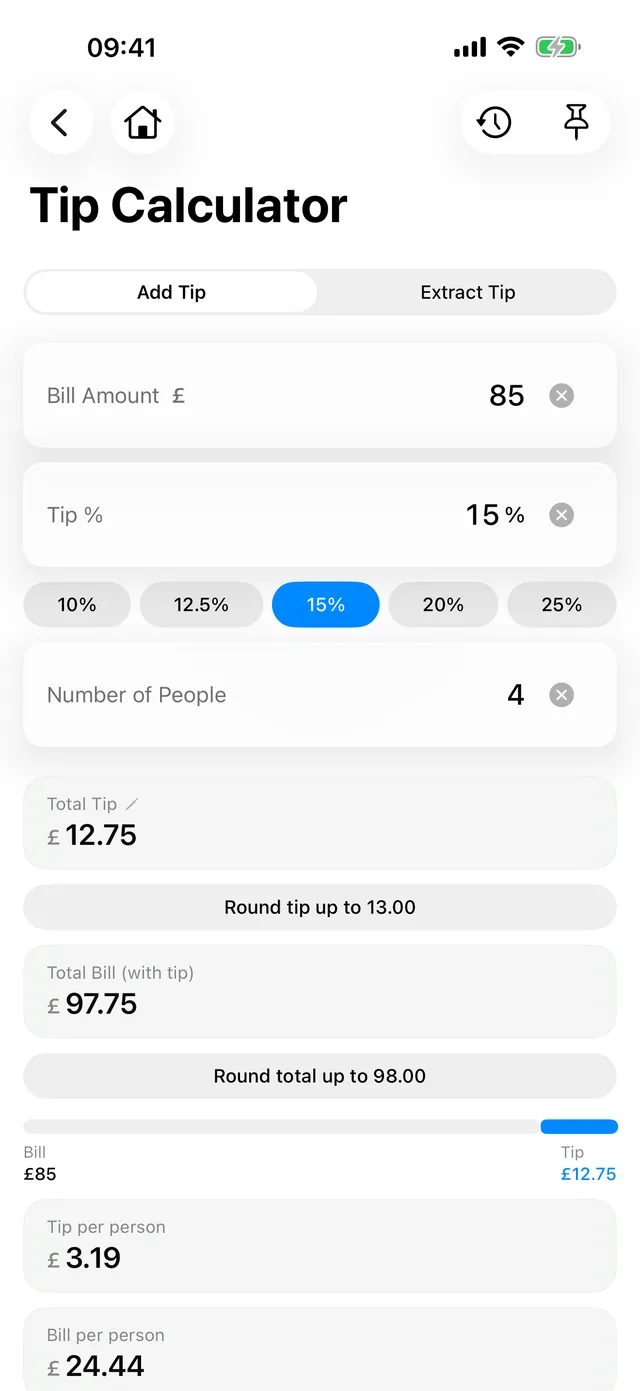
Each calculator is a single screen with its own number pad. There is no equals button to find and no mode to switch into — put a figure in and everything below it updates. The tip calculator will round the tip, or round the whole bill, and shows the per-person split as it goes.
- Quick-pick chips for the usual percentages
- Round the tip, or round the whole bill
- A clear button on every field
It gives you the verdict, not just the arithmetic
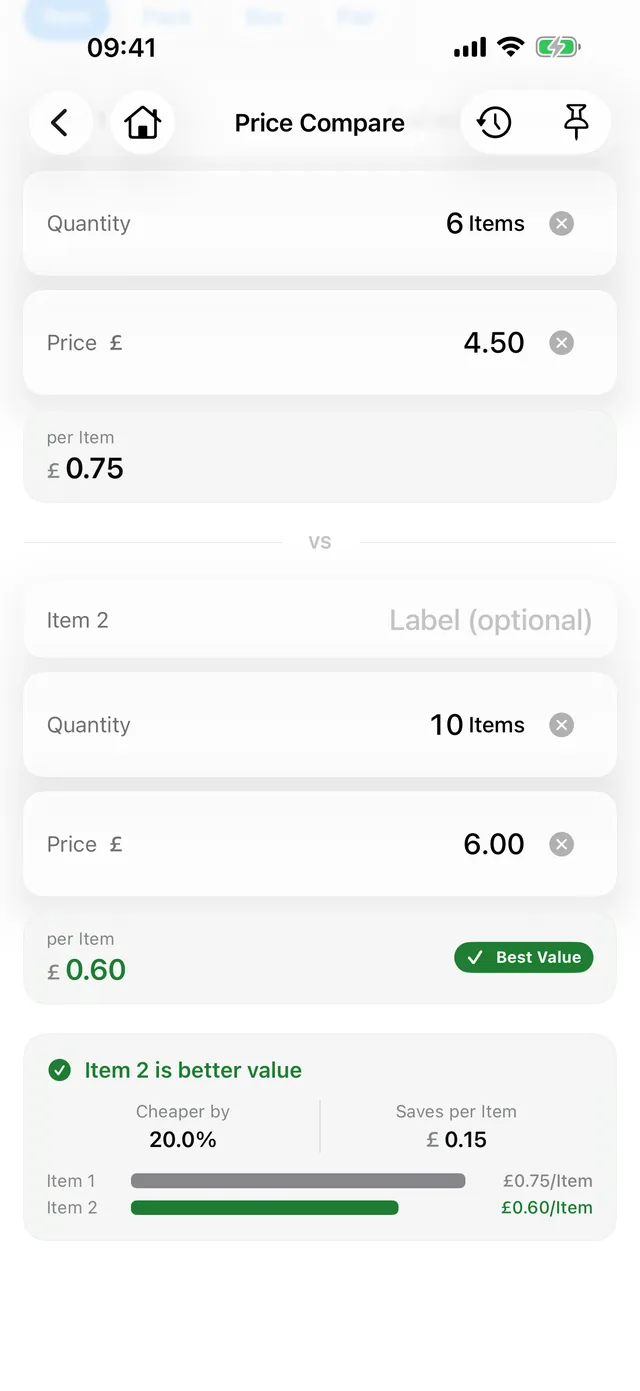
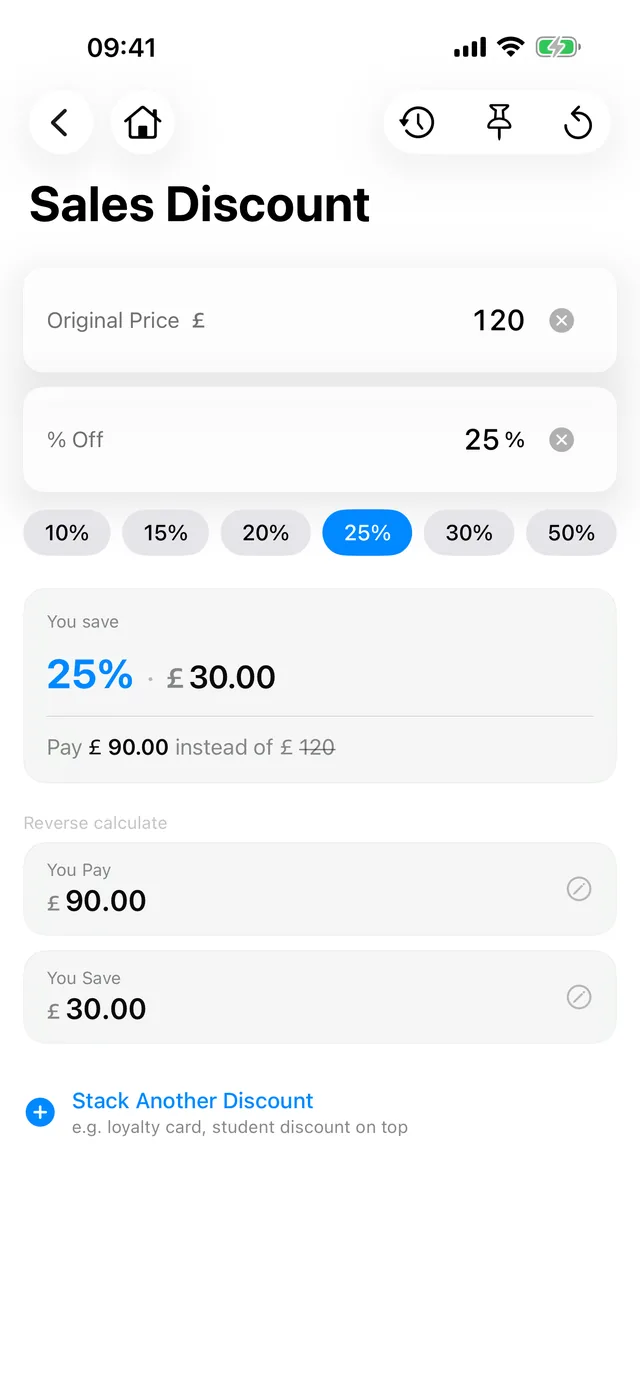
Price Compare works out the price per unit of two things and then tells you which is better value and by how much — the answer you actually wanted, rather than two numbers to compare yourself. Discount does the same for a sale price, stacks a second discount on top, and will work backwards from what you paid.
- Better value flagged, with the saving per item
- Stack a second discount on top of the first
- Work backwards from the price you actually paid
The money ones show their working
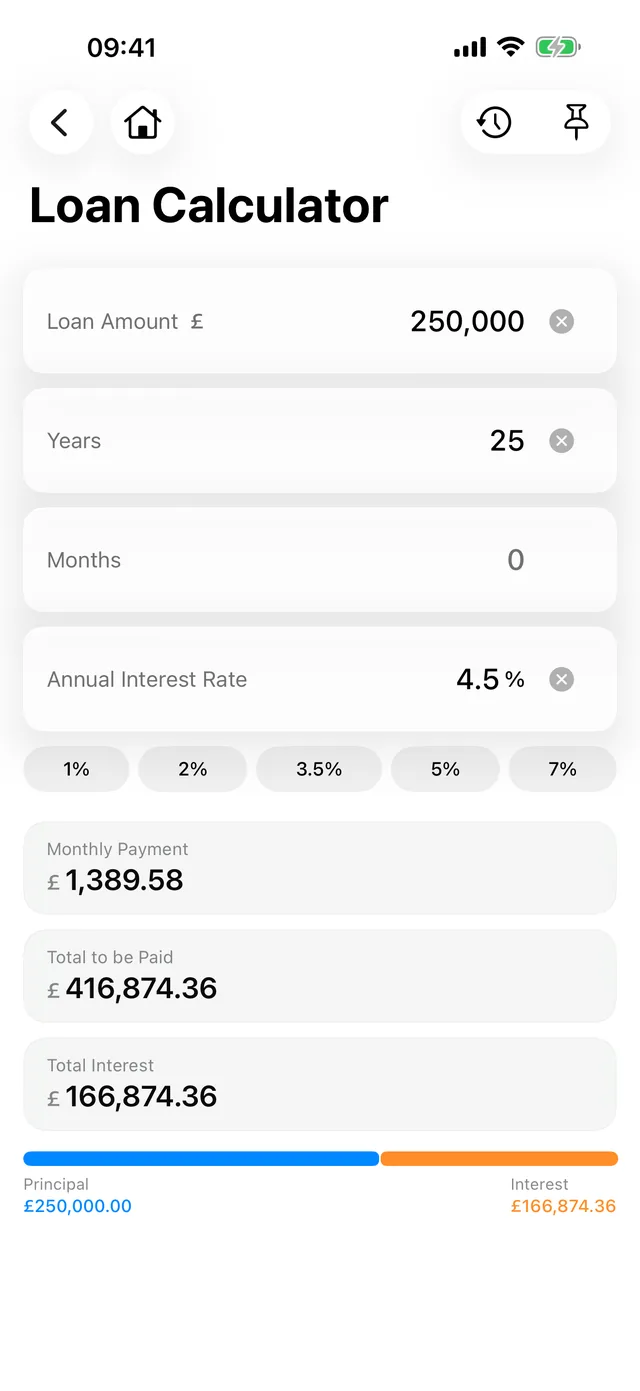
Loan, Mortgage and Savings give you the monthly figure and then break it apart: what you pay in total, how much of that is interest, and where the split falls. Mortgage keeps the deposit and the loan-to-value tied to each other, so moving one moves the other, and an optional overpayment shows what it saves in both interest and years.
- Deposit and loan-to-value stay linked to each other
- An overpayment shows what it saves in interest and in years
- Principal and interest split out on a bar
Calculators
Free· Unlocks with the one-time purchase
Dining & Social
- Tip Calculator — free
- Bill Split — requires the one-time purchase
- Alcohol Units — requires the one-time purchase
Shopping
- Price Compare — free
- Discount — free
- VAT — free
Percentages
- Percentage — free
- Percentage Change — free
Finance
- Loan Calculator — free
- Mortgage — requires the one-time purchase
- Savings — requires the one-time purchase
- Rent — requires the one-time purchase
- Salary — requires the one-time purchase
Property
- Room Area — free
- Conversions — free
- Paint — requires the one-time purchase
- Tiles — requires the one-time purchase
Kitchen
- Oven Temperatures — free
- Volume Conversion — requires the one-time purchase
Travel
- Journey Time — free
- Trip Fuel Cost — requires the one-time purchase
- Mileage Claim — requires the one-time purchase
Health
- BMI — free
- Water Intake — free
- Daily Calories — requires the one-time purchase
- Ideal Weight — requires the one-time purchase
- Body Fat — requires the one-time purchase
Mileage Claim uses UK HMRC AMAP rates and is GBP only. The health calculators work purely from figures you type in — they’re formula calculators, not health tracking.
More screens
On iPhone · 15 screens
Discount 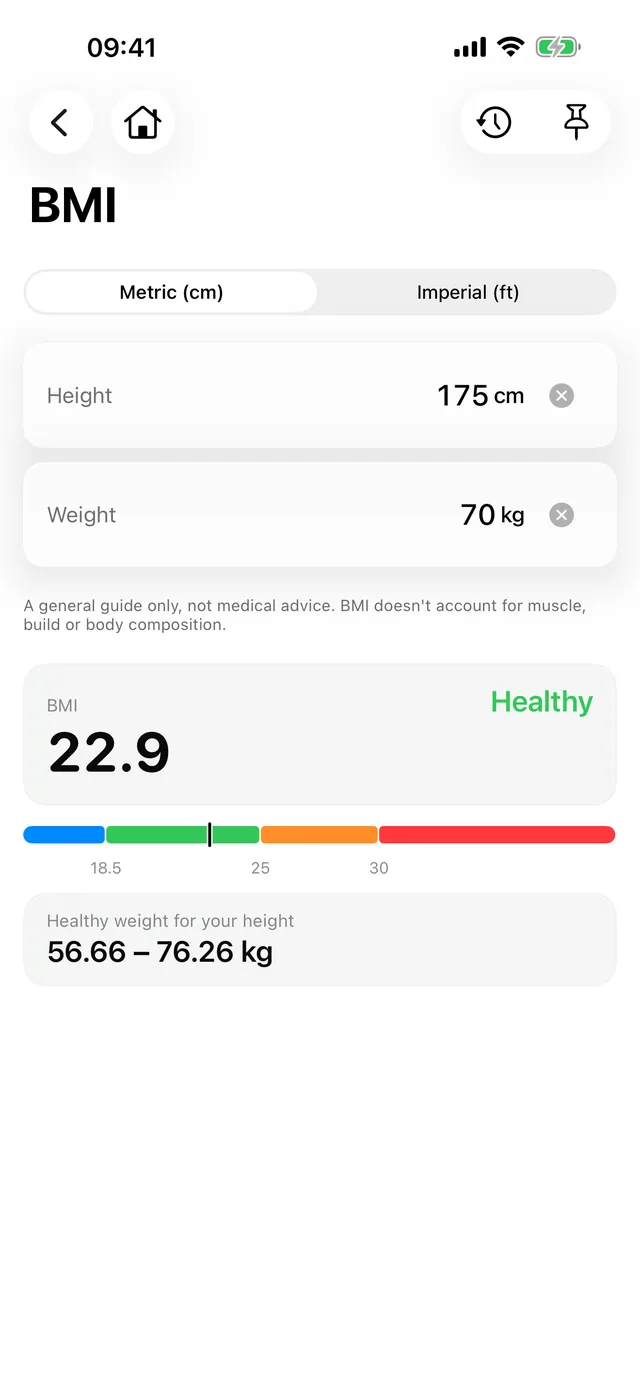
BMI 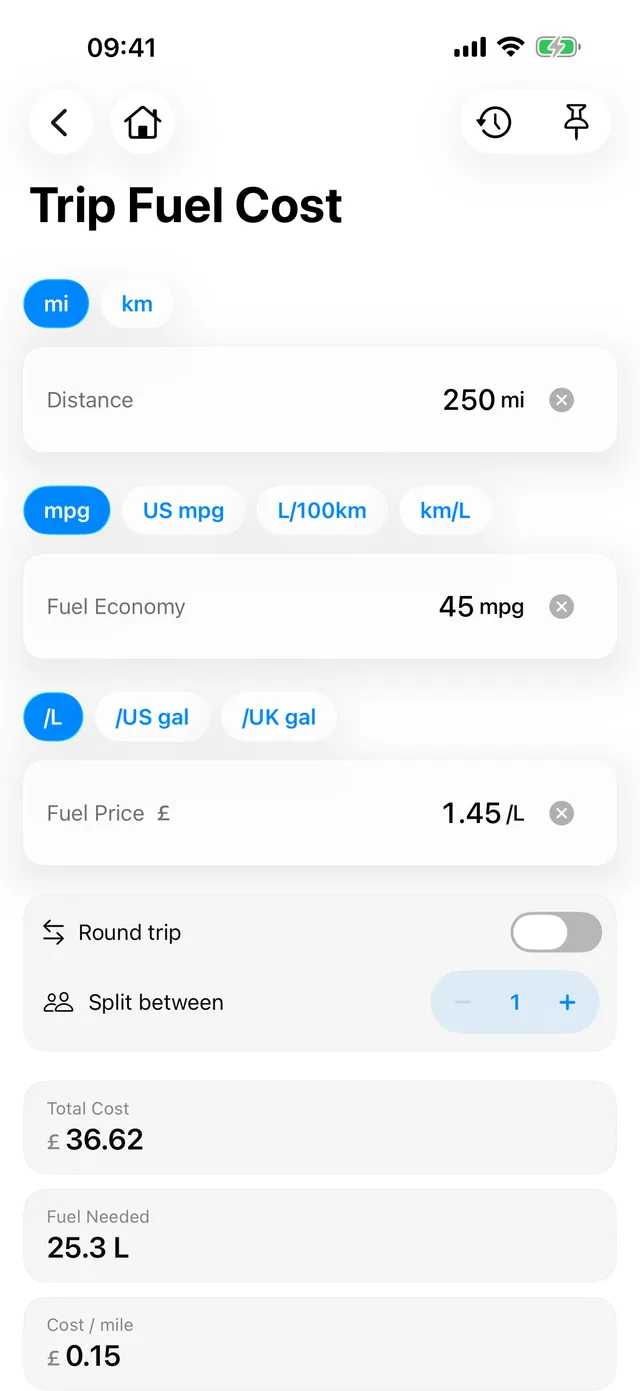
Trip Fuel Cost 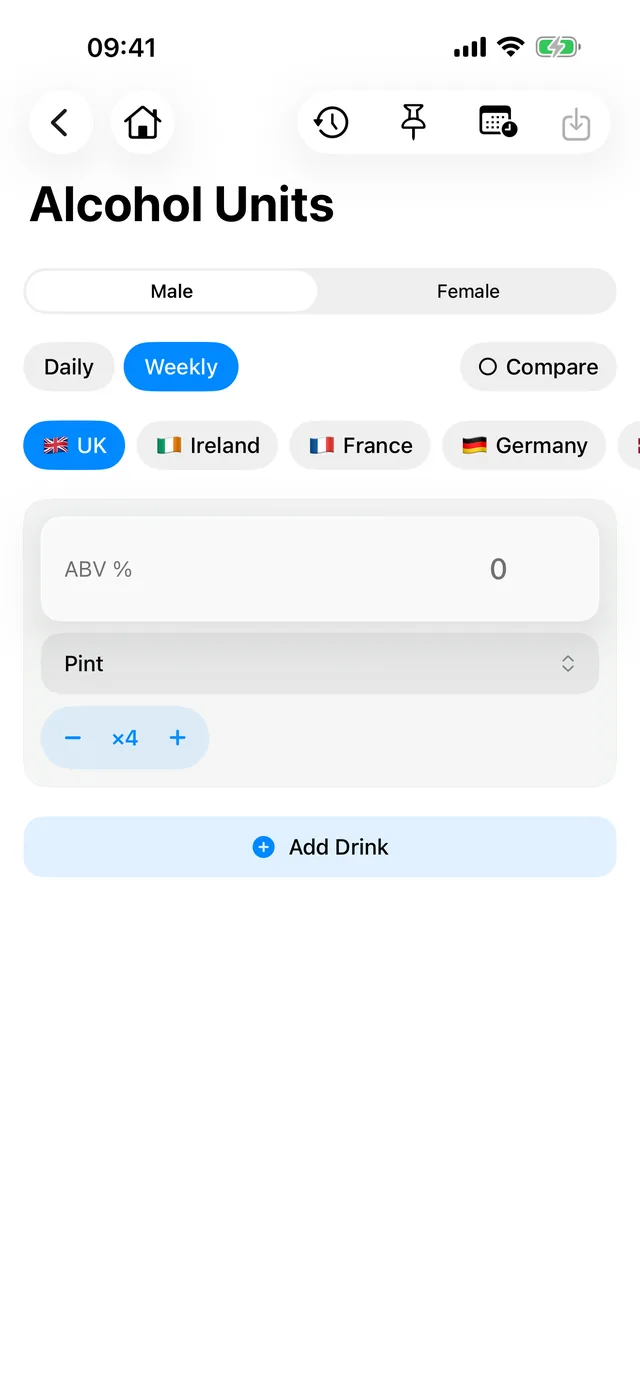
Alcohol Units 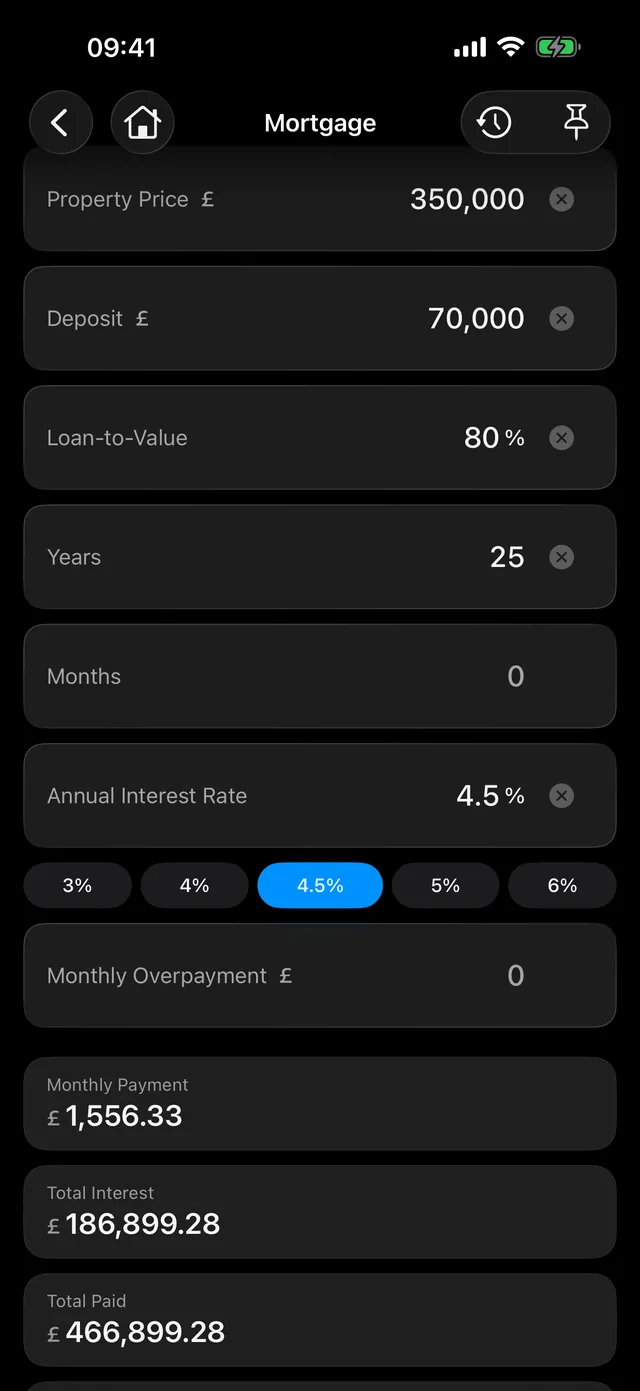
Mortgage, in dark mode 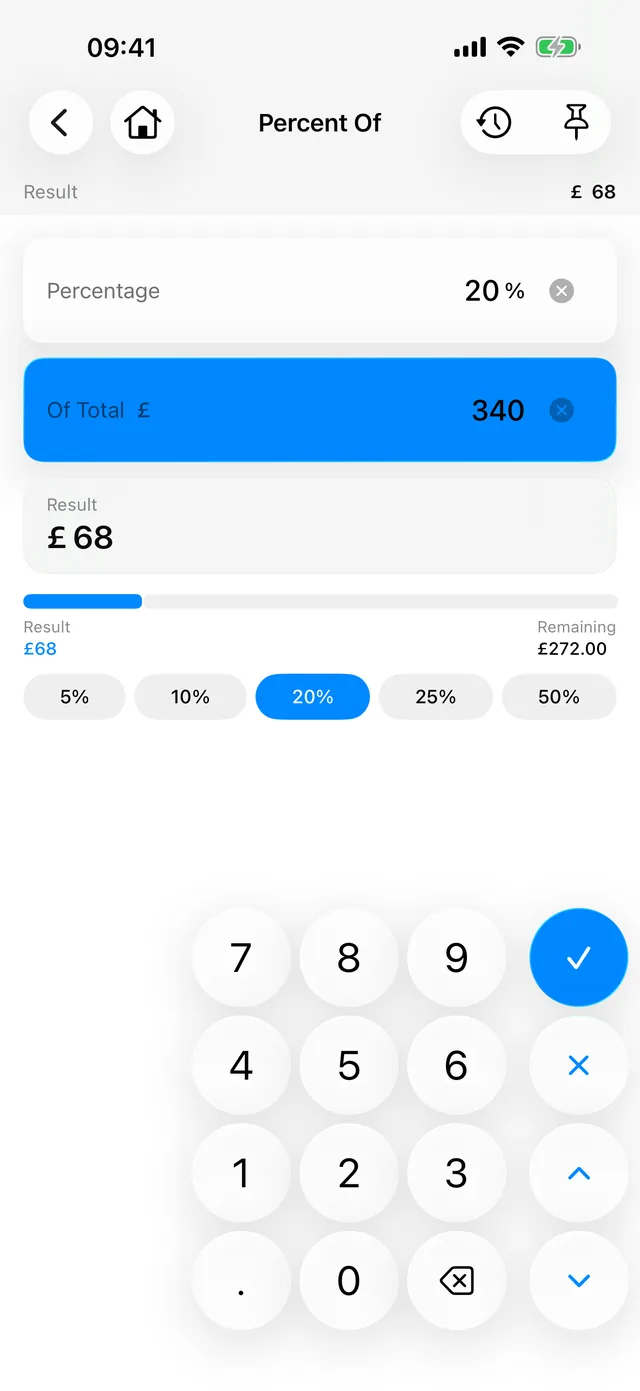
Percentage 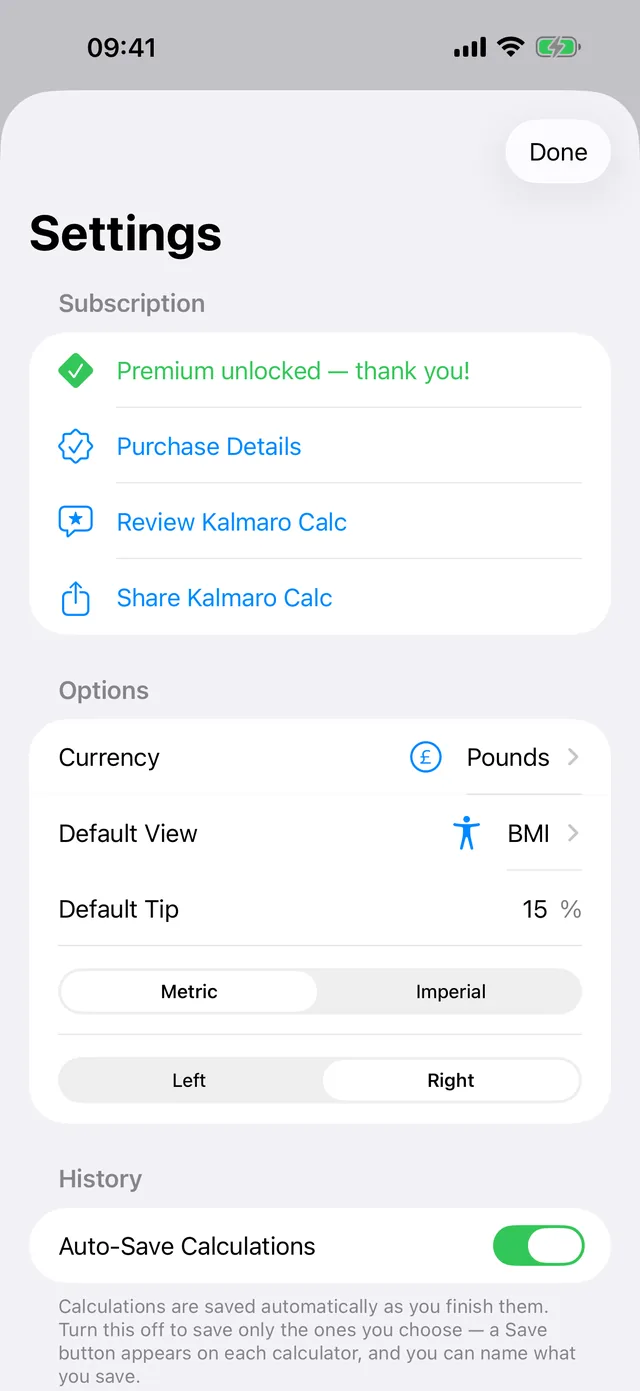
Settings 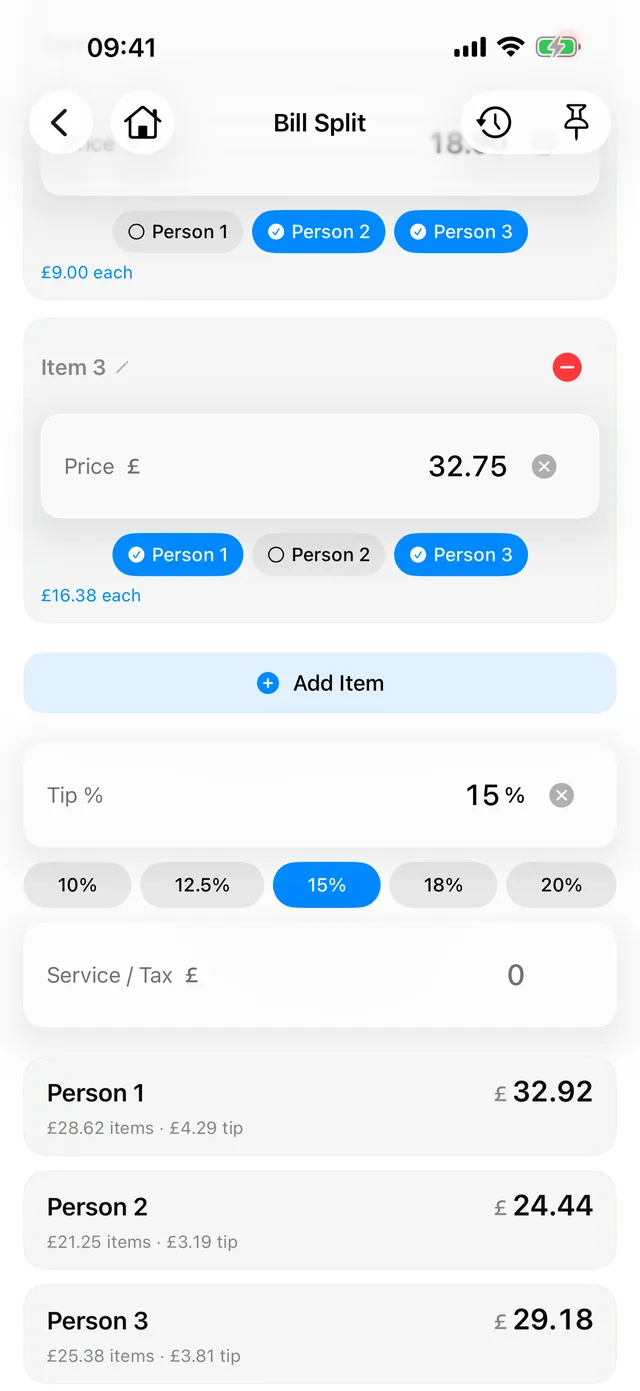
Bill Split 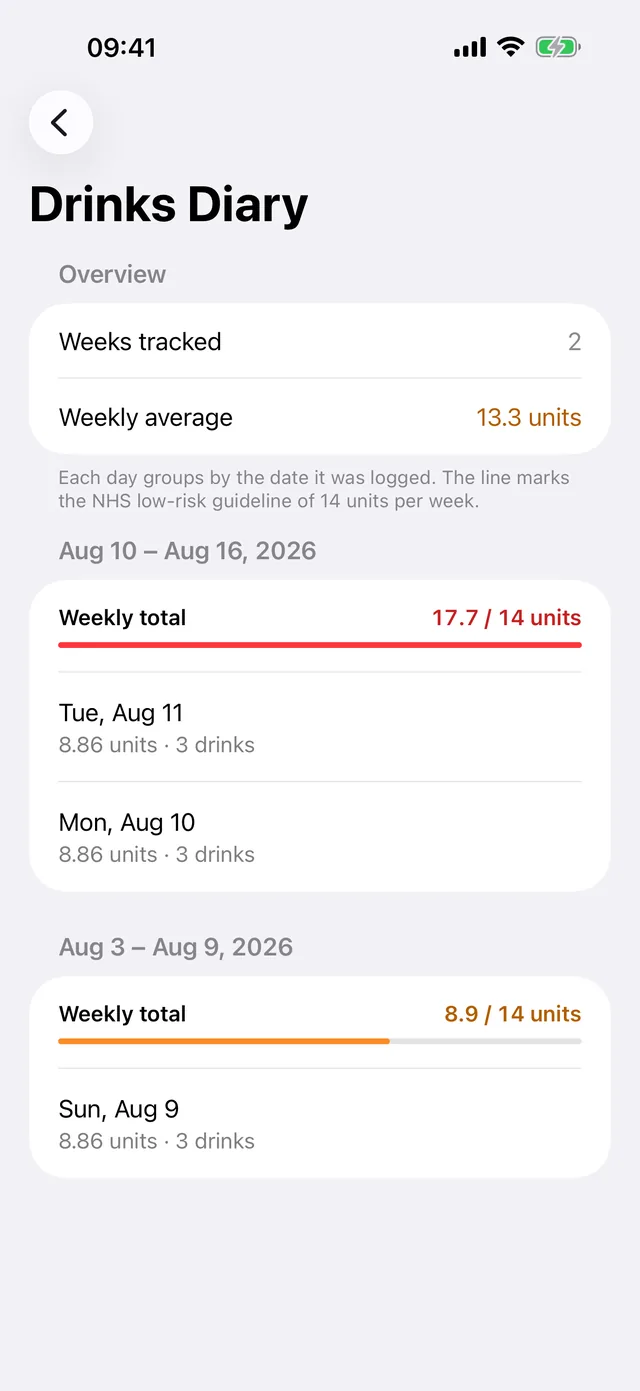
Drinks diary 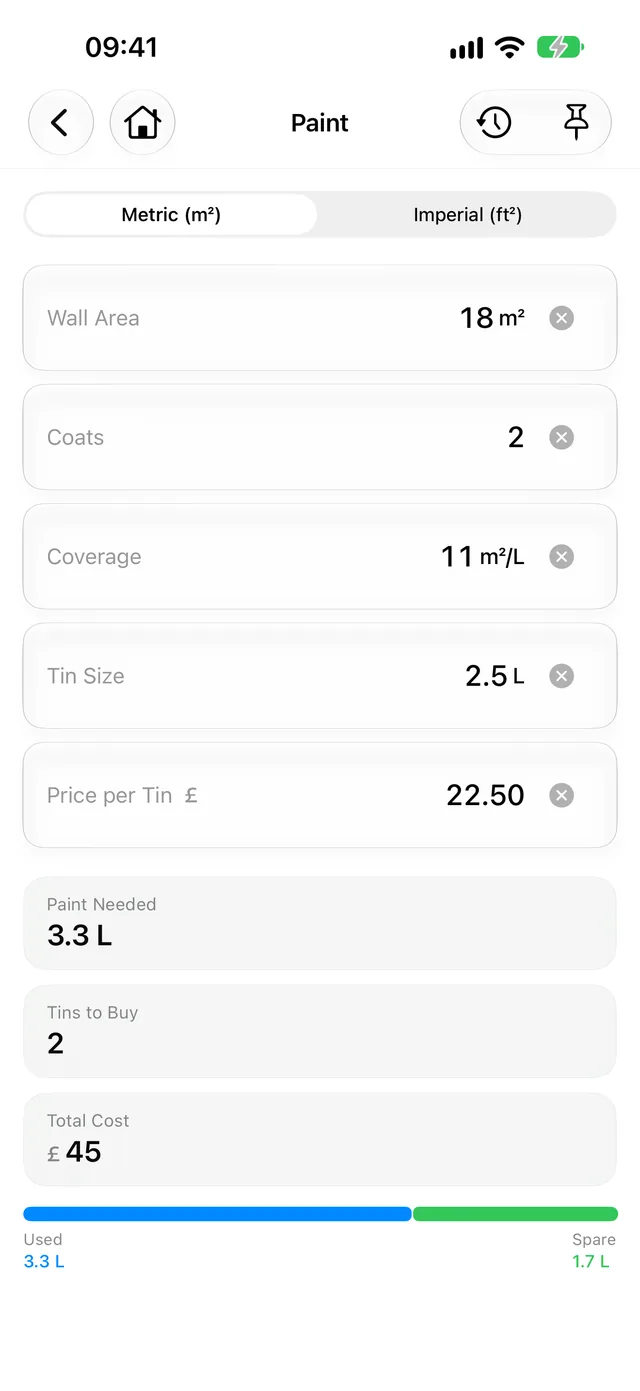
Paint 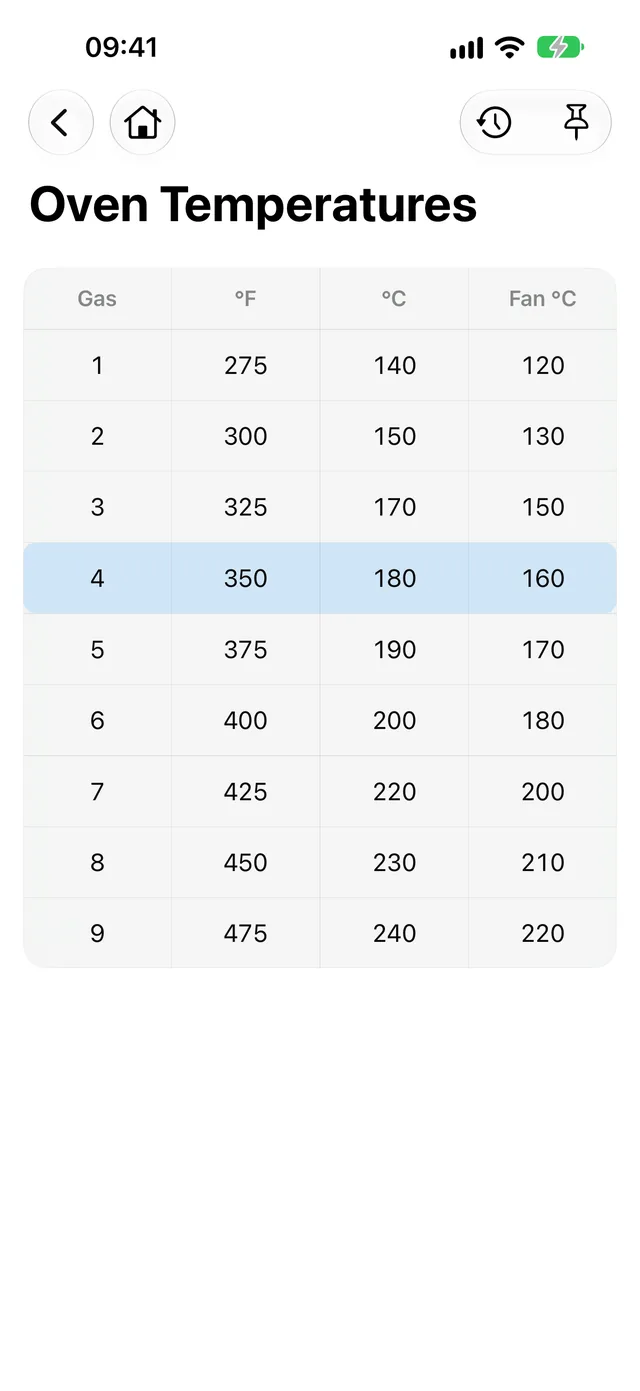
Oven Temperatures 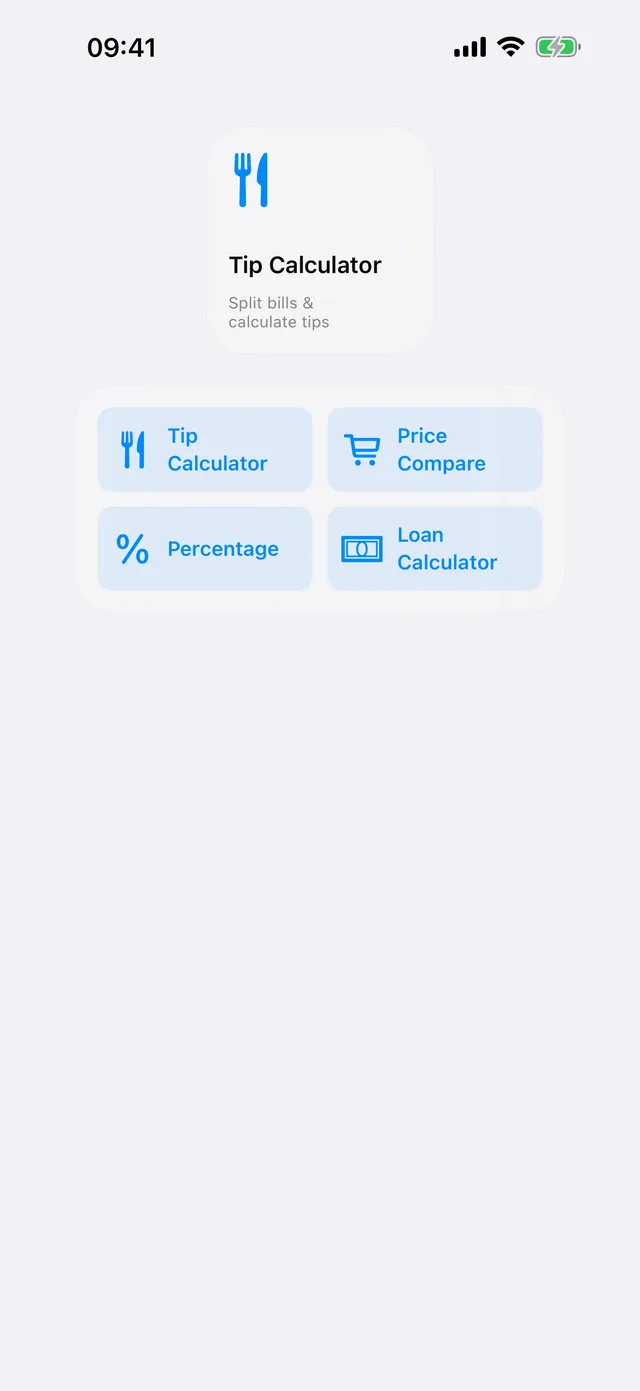
Pinned Calculators widget 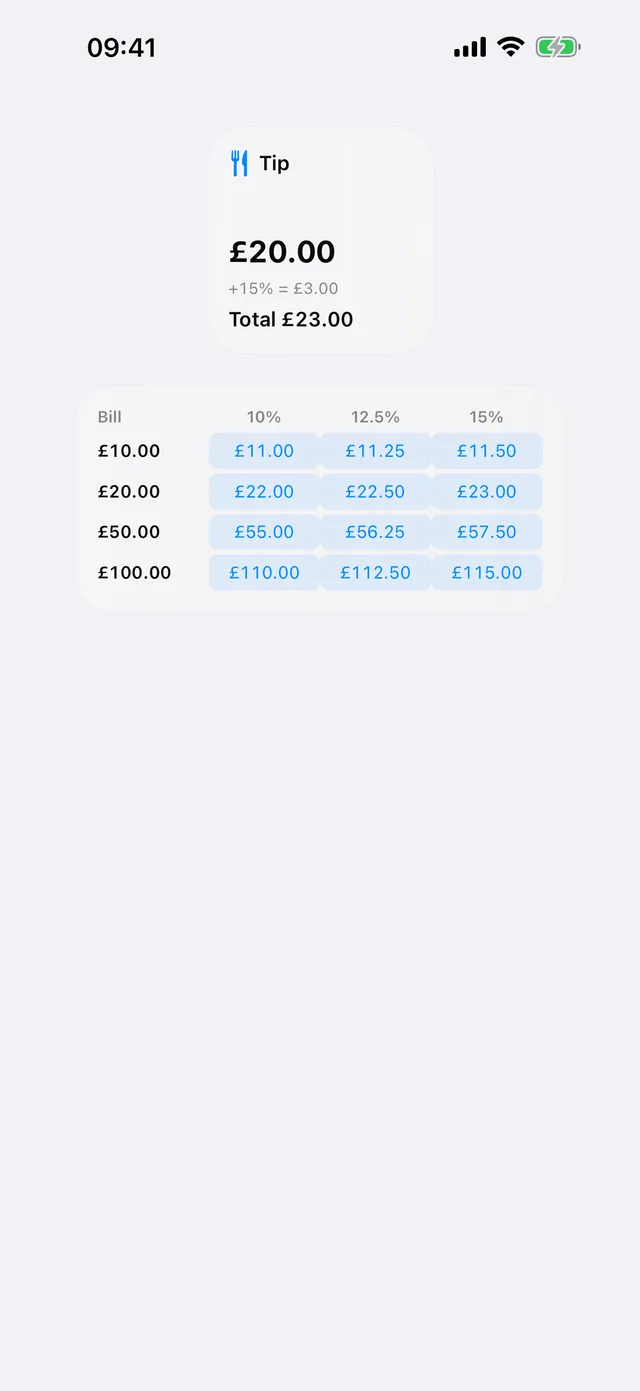
Tip widget 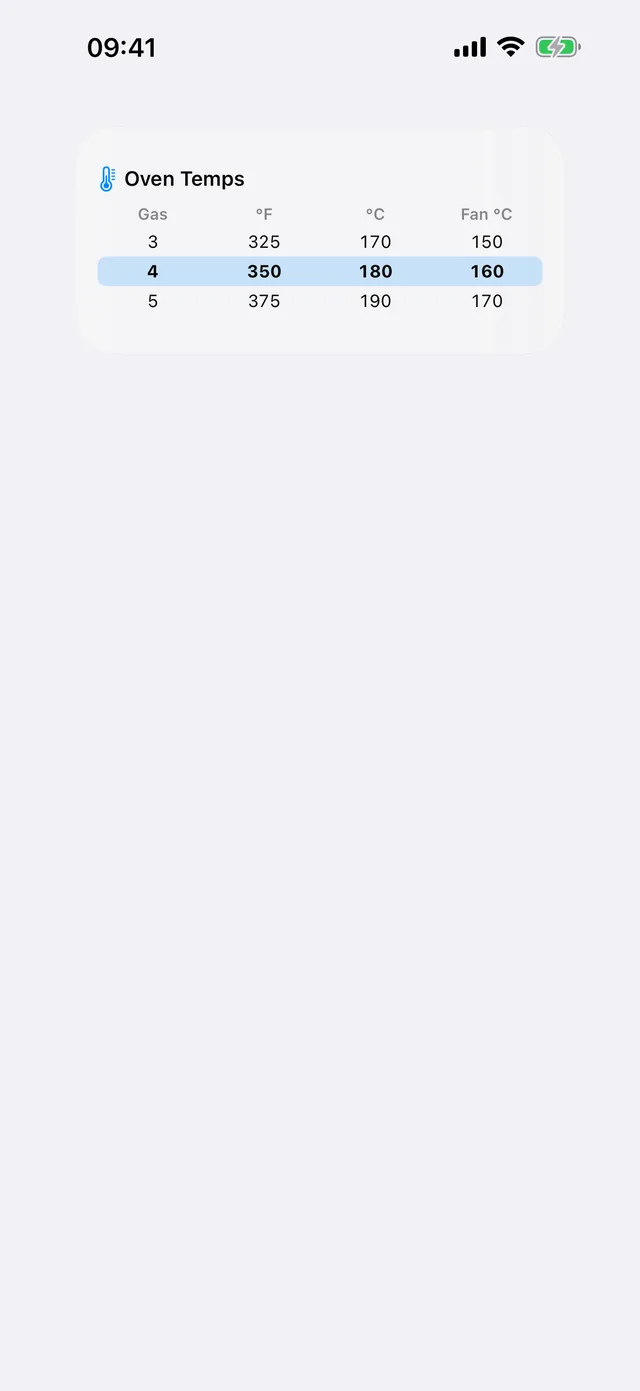
Oven Temps widget 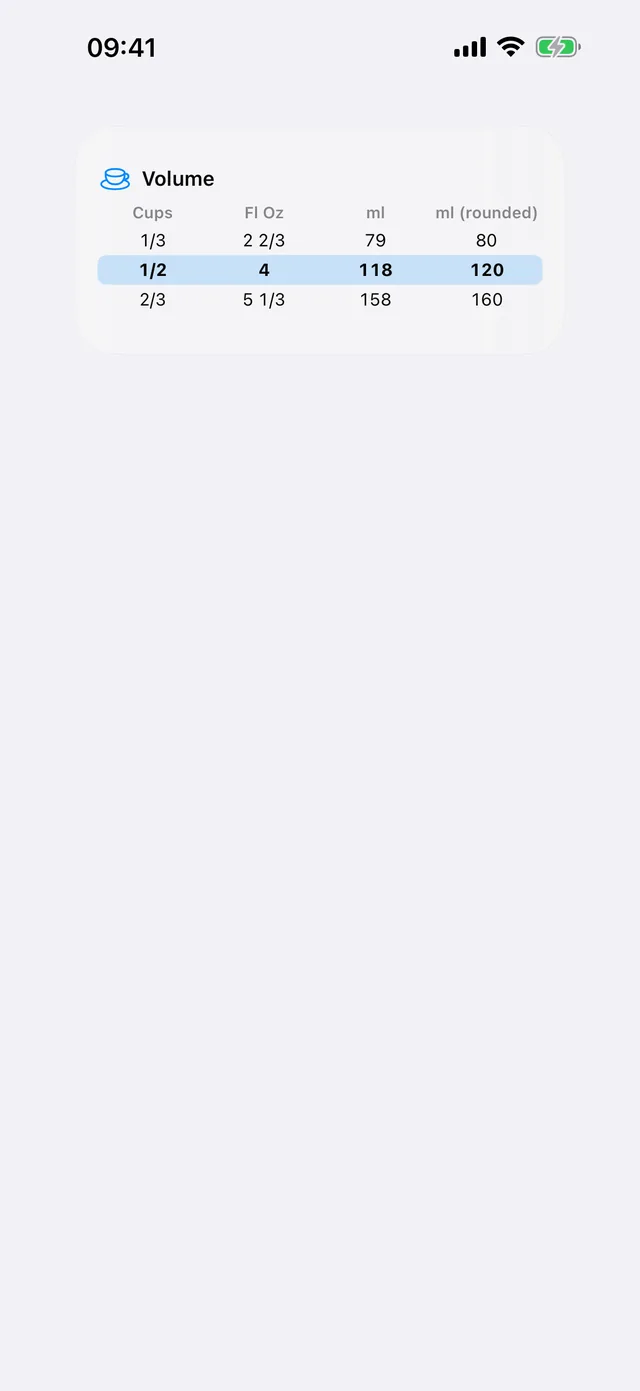
Volume widget
On iPad · 18 screens
The menu 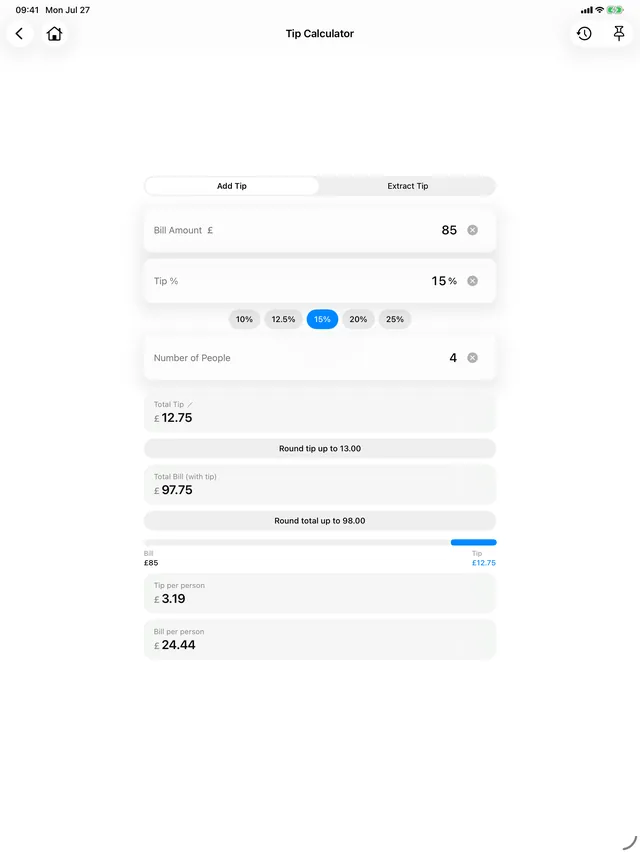
Tip Calculator 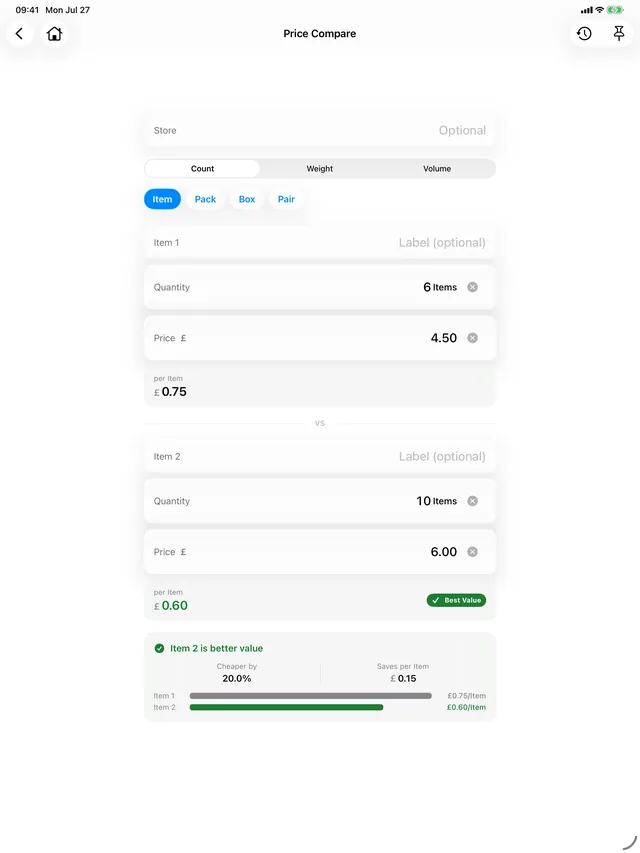
Price Compare 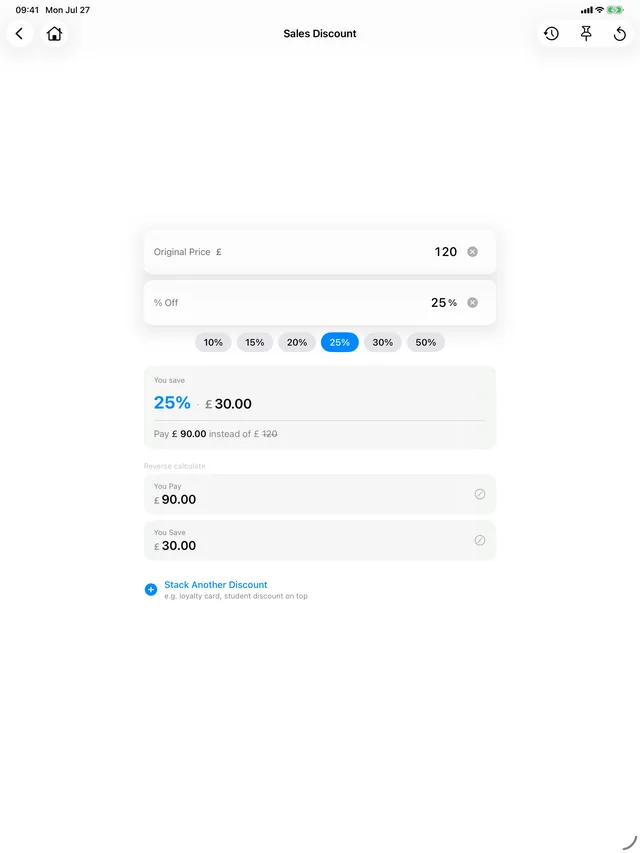
Discount 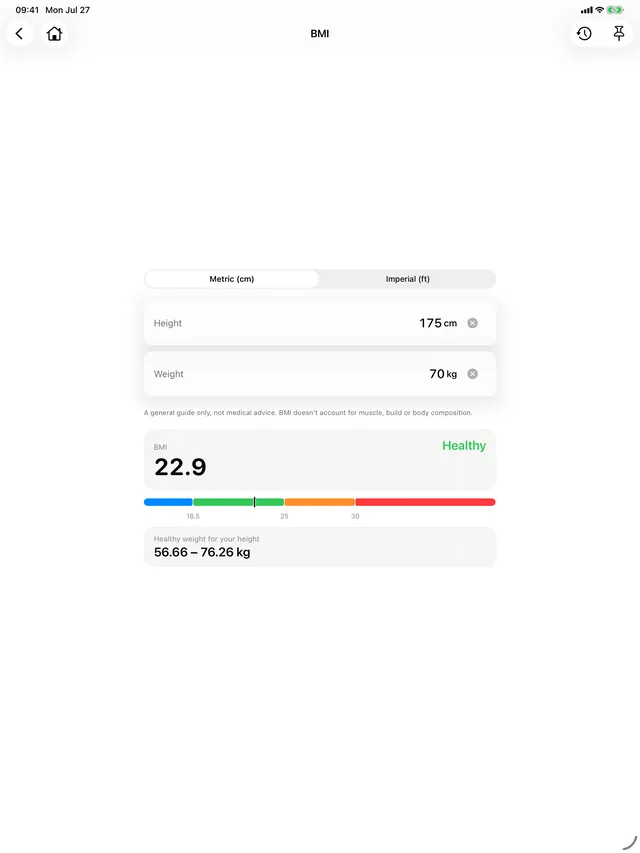
BMI 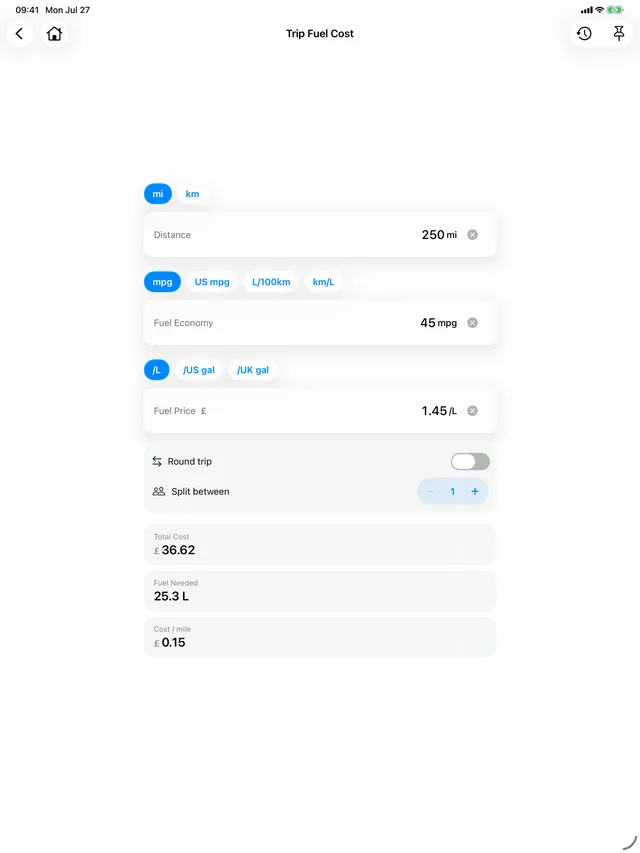
Trip Fuel Cost 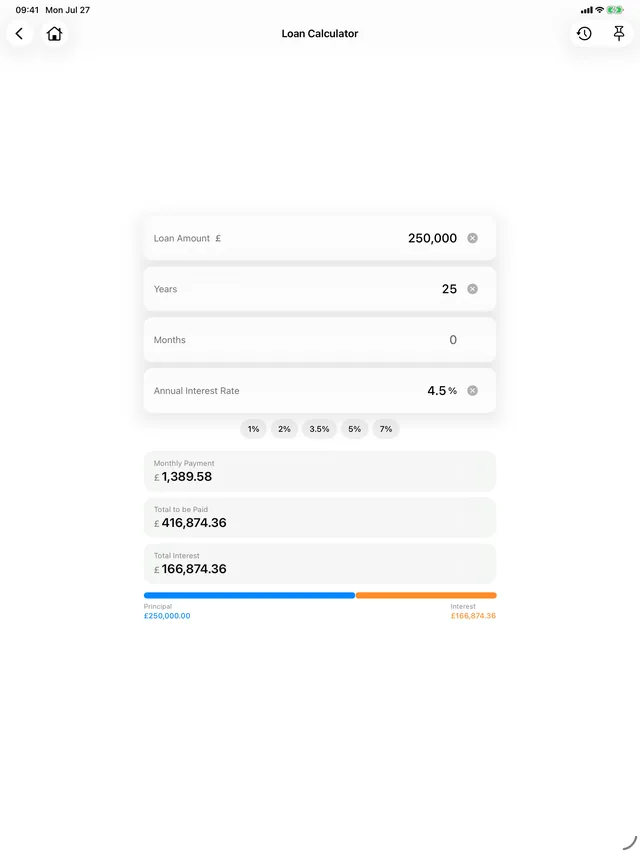
Loan Calculator 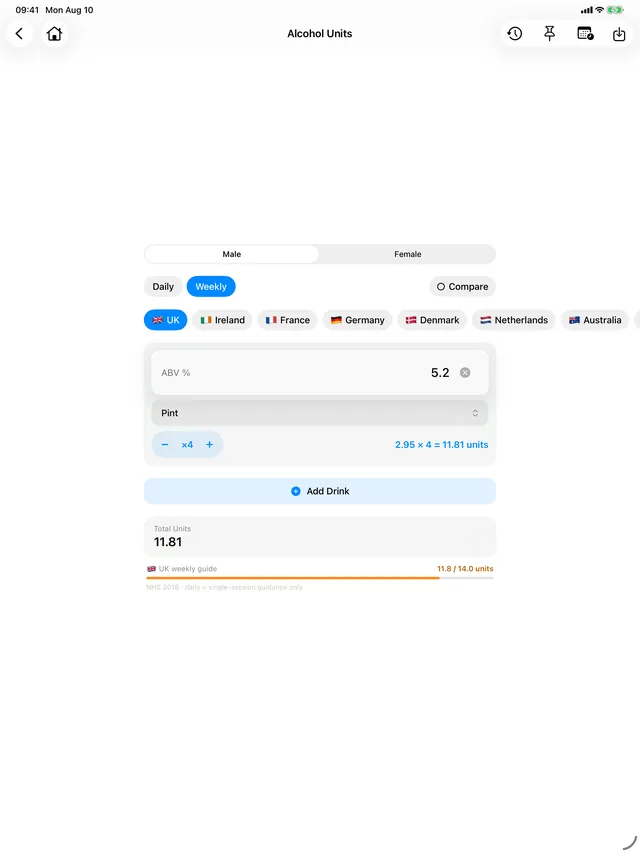
Alcohol Units 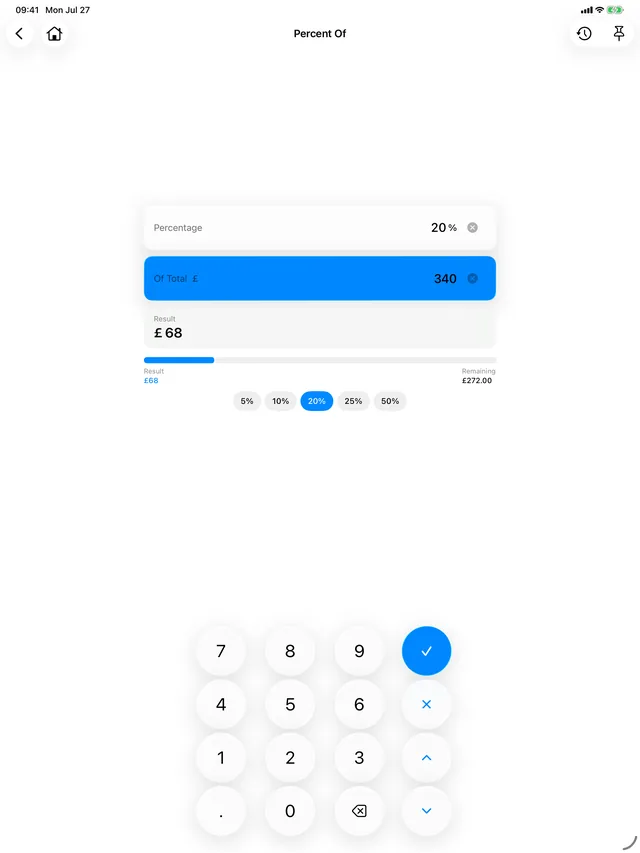
Percentage 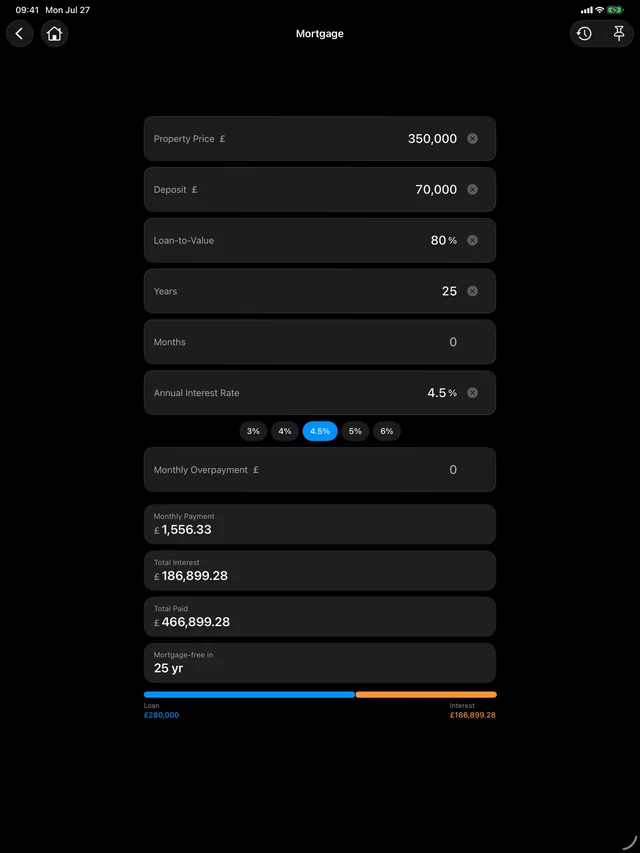
Mortgage, in dark mode 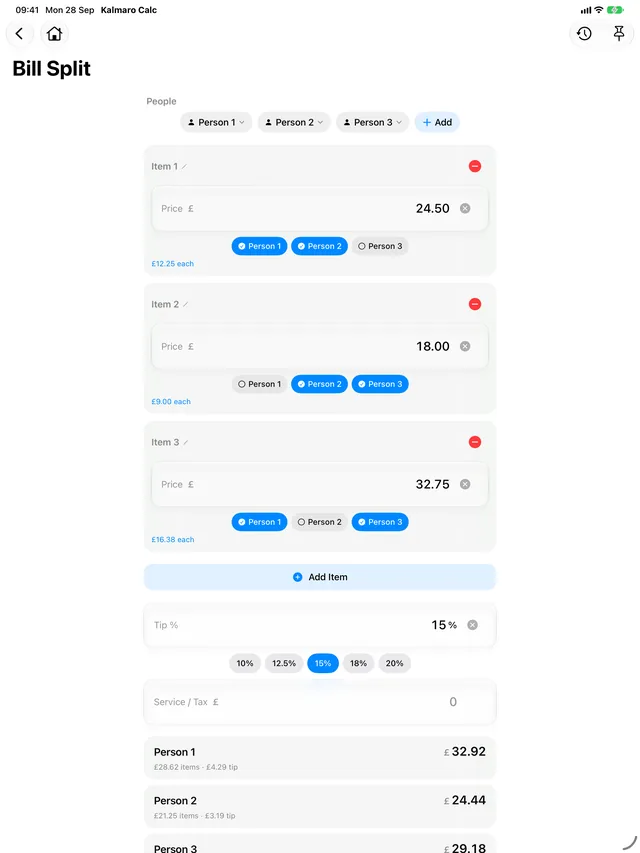
Bill Split 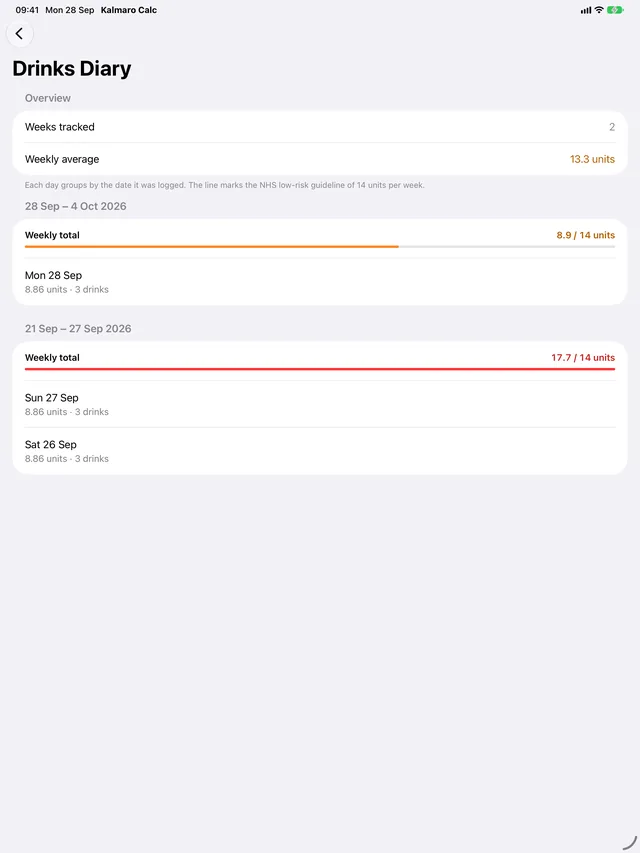
Drinks diary 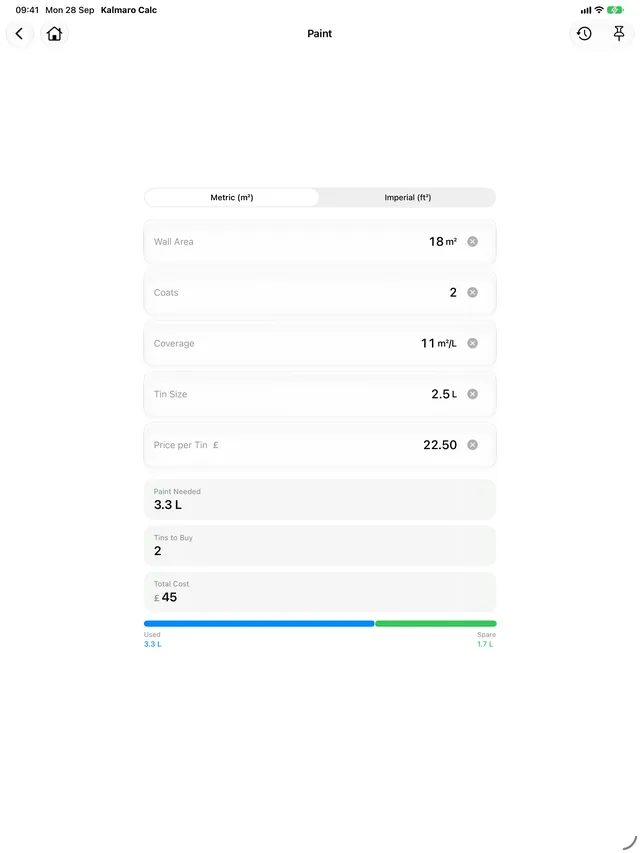
Paint 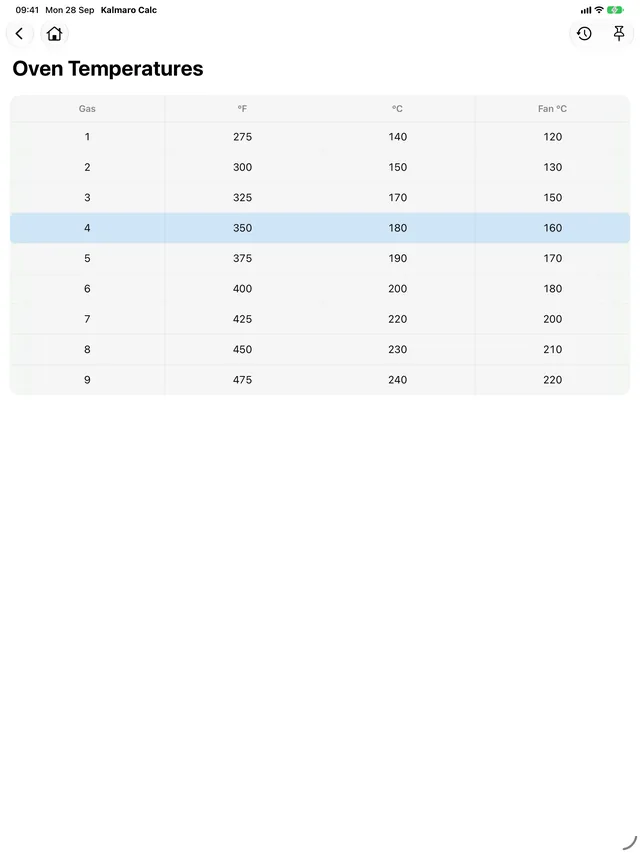
Oven Temperatures 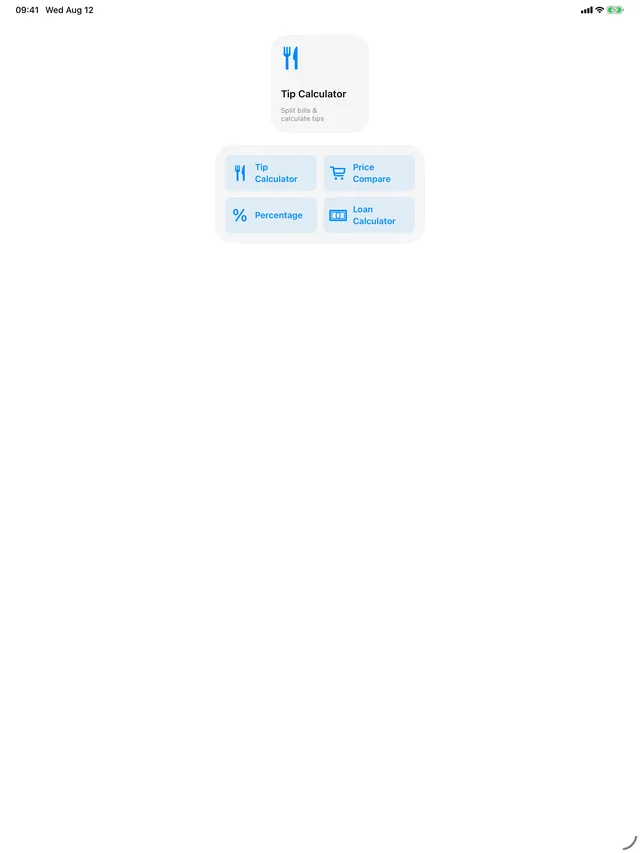
Pinned Calculators widget 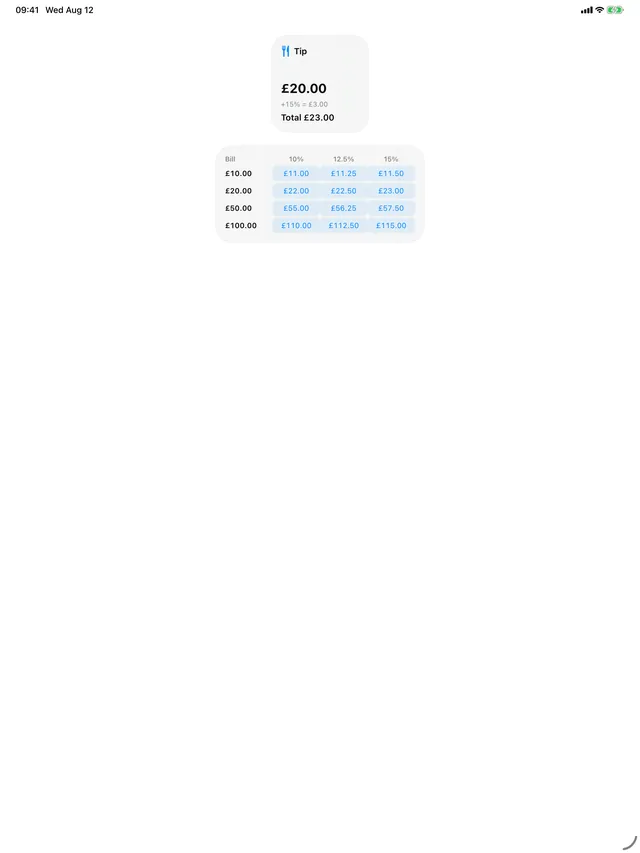
Tip widget 
Oven Temps widget 
Volume widget
On Mac · 5 screens

The menu 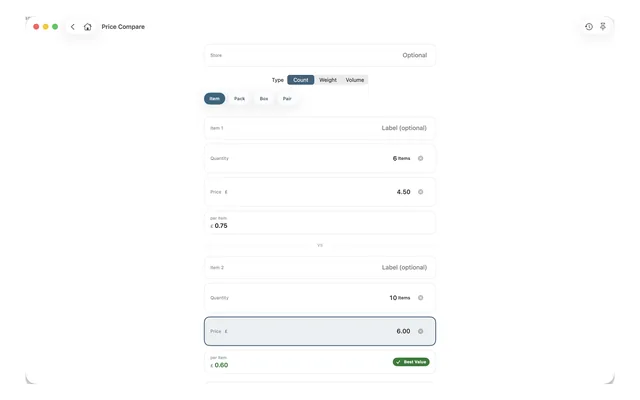
Price Compare 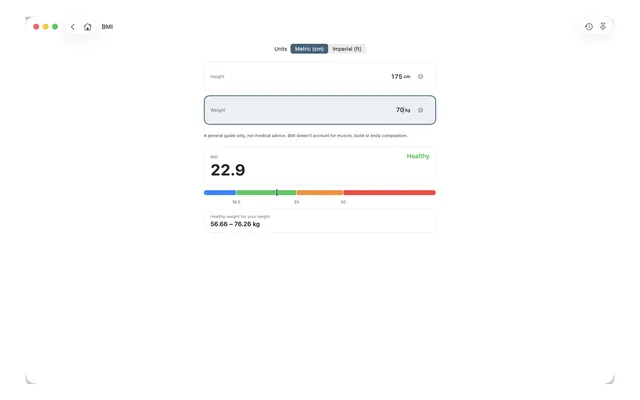
BMI 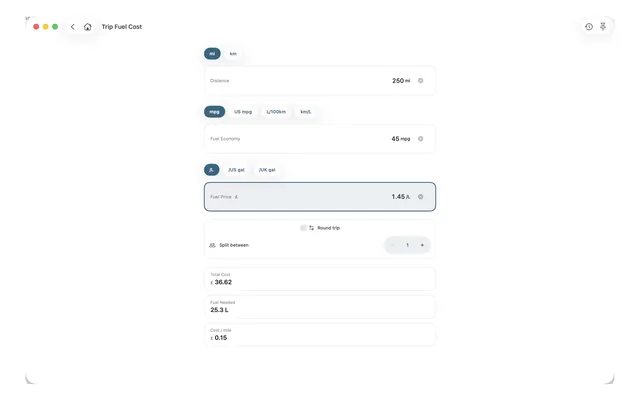
Trip Fuel Cost 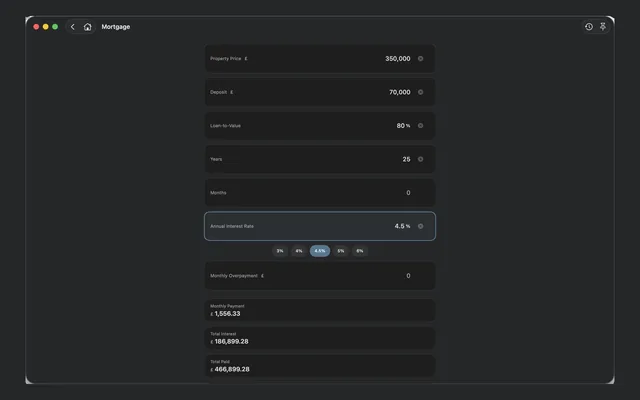
Mortgage
Good to know
- Do I need an account?
- No. There is no sign-in, no registration and no Kalmaro account — the app works the moment you open it.
- What is free, and what isn’t?
- Thirteen calculators are free: Tip, Price Compare, Discount, VAT, Percentage, Percentage Change, Loan, Room Area, Conversions, Oven Temperatures, Journey Time, BMI and Water Intake. The other fourteen unlock together with one one-time purchase — not a subscription. A yearly subscription existed once; anyone who has one keeps it, and it is no longer offered.
- Does it need an internet connection?
- No. Every calculator works offline. The app makes one network request of its own, and it is only to ask the App Store whether a newer version exists. iCloud sync of your history and App Store purchases are handled by iOS on your behalf, not by the app.
- Where does my calculation history go?
- Onto your device. If you’re signed in to iCloud it also syncs through your own private iCloud, so your history follows you between your own devices. That happens automatically — there is no sync switch inside the app — and it can be turned off for Kalmaro Calc in your device’s own Settings, under your Apple Account → iCloud. If you’re not signed in to iCloud, the history simply stays on the device. Either way it is your storage: Kalmaro has no server and cannot see any of it.
- Are the health calculators medical advice?
- No. BMI, Daily Calories, Ideal Weight, Body Fat and Water Intake work purely from the figures you type in. They are formula calculators, they read nothing from Apple Health, and they are not a substitute for advice from a professional.
- Which country do the money calculators assume?
- VAT takes any rate you like, with quick chips for 5, 10, 15, 20 and 23%, and there is a currency setting for the rest. Mileage Claim is the deliberate exception: it applies the UK HMRC approved rates, which are set in pence per mile, so it always works in pounds.
- Does it work properly on iPad and Mac?
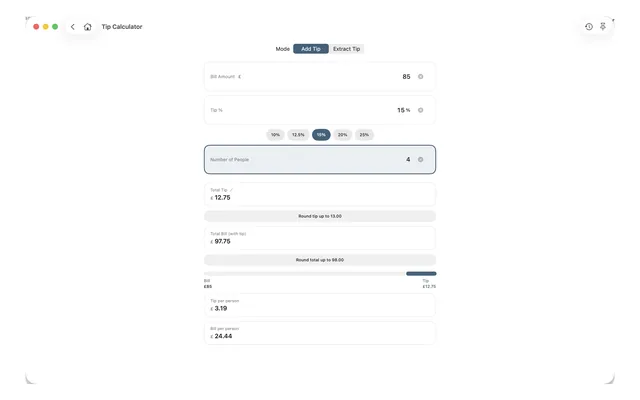
- Yes — it is a native app on all three, not a phone layout stretched to fill a bigger screen.
Getting the most out of it
Pin the three or four you actually use
The menu holds twenty-seven calculators and you probably want four of them. Pin those from the calculator’s own screen and they sit at the top of the menu — the Pinned Calculators widget shows the same list, so they are one tap away from the Home Screen too.

Make the app open where you want it
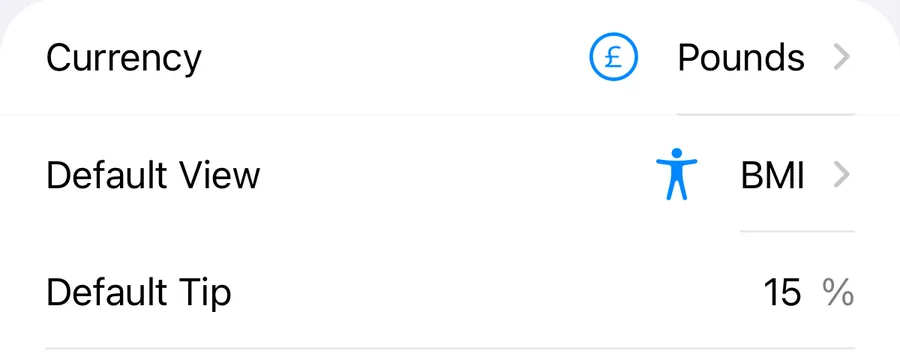
Settings → Default View makes any calculator the screen the app opens on. If you mostly reach for Kalmaro Calc to split a bill, there is no reason to see the menu first.
Decide what gets kept, and name it
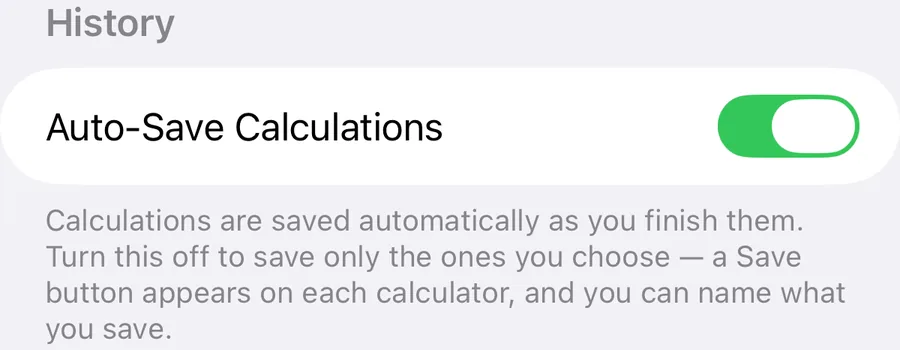
Auto-Save is on by default and quietly records everything you finish. Turn it off and nothing is saved until you tap Save — where you can give the calculation a name, which is what makes it findable a month later. Either way, the clock button on a calculator shows that calculator’s own history rather than everything you have ever worked out.
On a bill, tap who shared each item
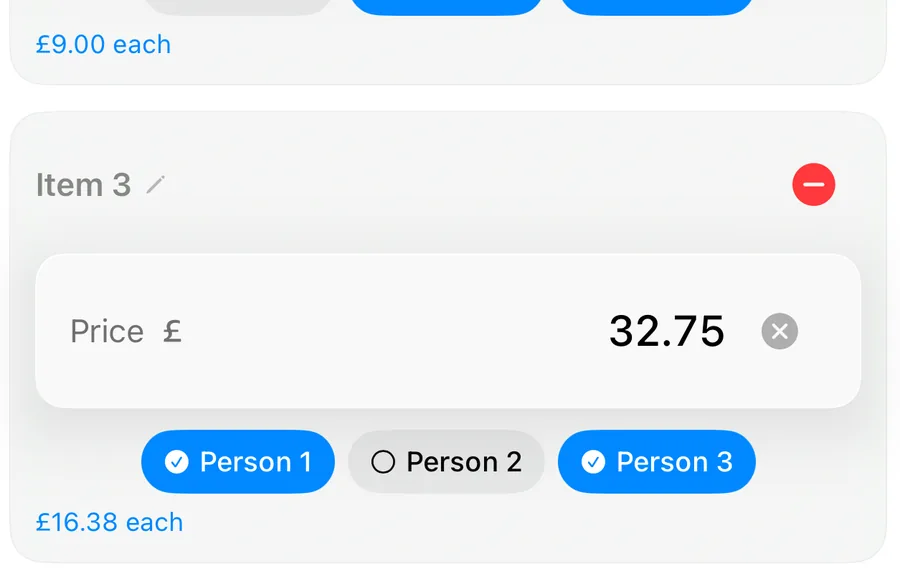
Bill Split is worth the extra thirty seconds. Add the items, tap who shared each one, and the tip and service charge are divided in proportion to what each person had instead of equally. That proportioning is the whole difference between it and dividing by four.
Let Alcohol Units add up the week
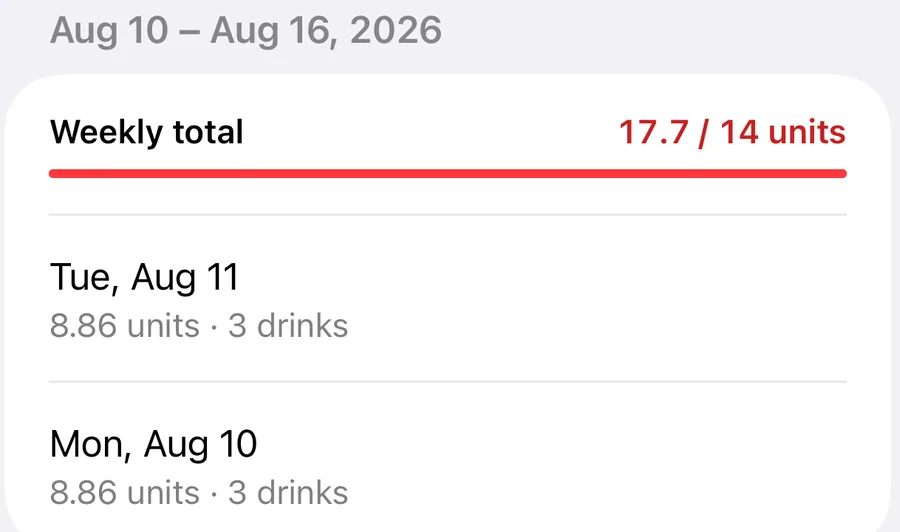
Save a day’s drinks — back-dated, if you are catching up — and the Drinks Diary groups the days into weeks and totals each week against the recommended guideline. It will also compare guidelines between countries, which sit further apart than most people expect.
Mix the units rather than converting first
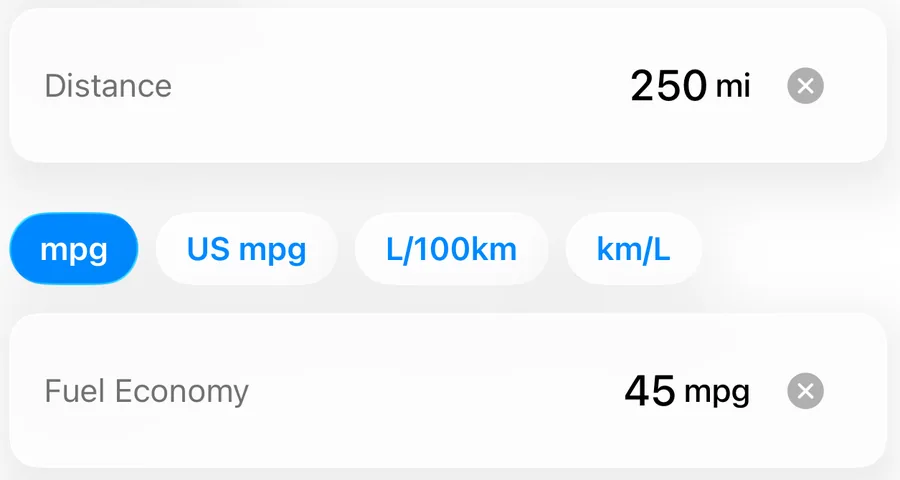
In the Travel and Property calculators each field carries its own unit, so they can be mixed freely: distance in miles with economy in L/100km and fuel priced per litre, or a room measured in feet with paint bought in litres. Nothing needs converting before you start.
Keep the kitchen ones on the Home Screen
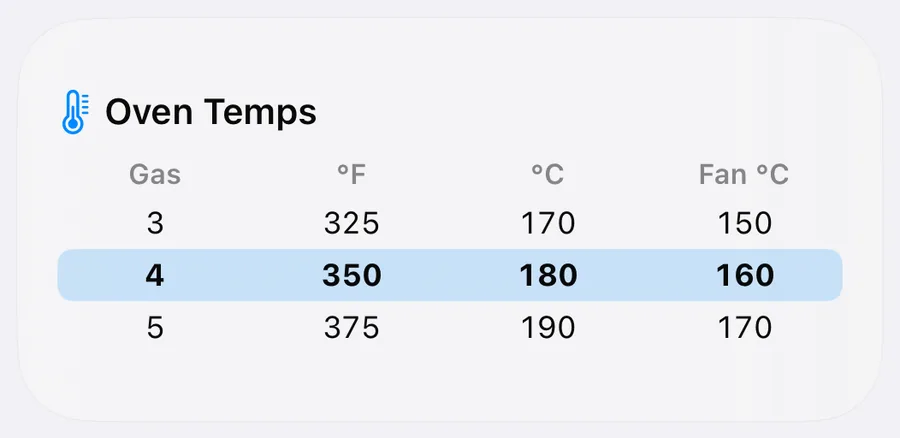
Oven Temperatures and Volume Conversion both exist as widgets, alongside Tip. Gas mark to fan oven becomes a glance rather than an app launch — which is the only way that particular conversion ever gets used.
Get Kalmaro Calc
Twenty-seven calculators, one app, no sign-in.
Free to download, with thirteen of the twenty-seven calculators free to use. The rest unlock together with one one-time purchase.
In the UK: One-time unlock of every calculator £9.99. Prices differ by country — the App Store shows yours.