

Skerry
What the water's doing today — in a sentence, not a spreadsheet.
Skerry reads England's live flood, river, sea and water-quality data and tells you, in plain English, what it means for a place you care about. Instead of a wall of gauge readings, it gives you one readable sentence per concern — with the raw figures underneath. Free, no ads, no accounts.
Runs on iPhone · iPad · Mac (coming soon)

Free, with no in-app purchases, no subscription and no adverts. There is no paid tier and nothing to unlock — every feature is available to everyone.
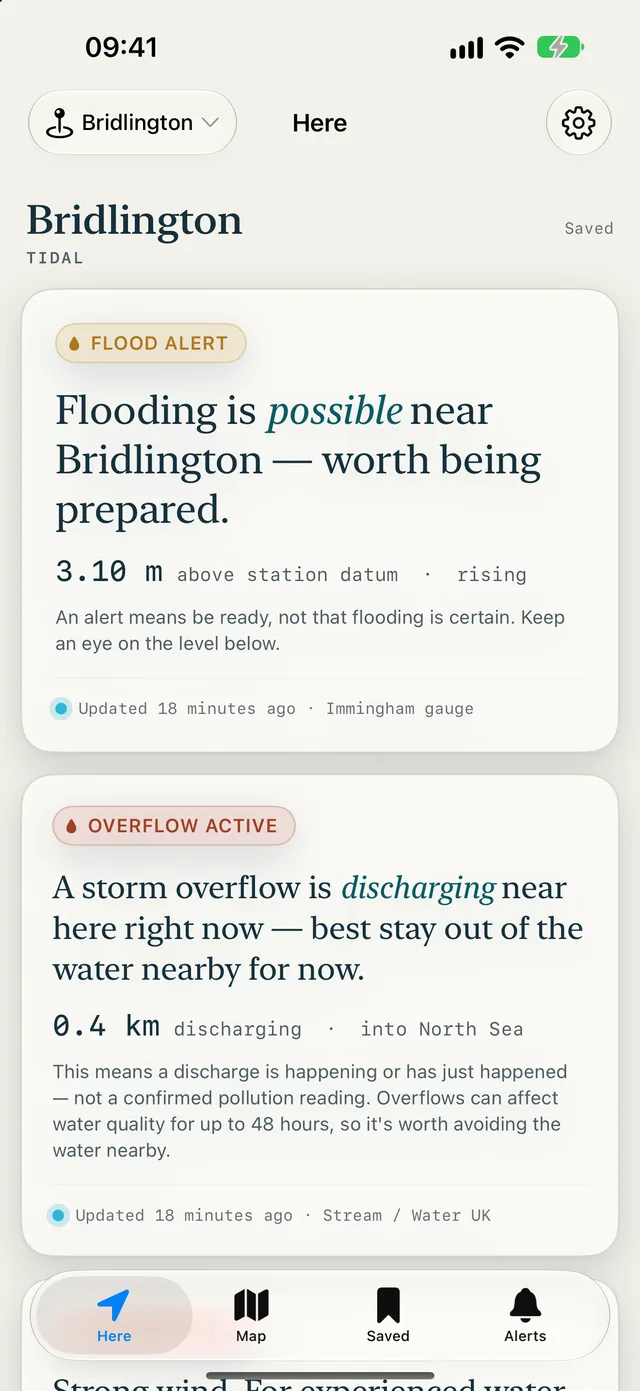
- No account, no sign-in
- No ads, no analytics, no tracking
- It never asks for your location
- Free — no in-app purchases, no subscription
Skerry is a guide, not navigation or safety-of-life equipment. Conditions can change fast — never rely on it where your safety depends on it.
Screens
On iPhone · 5 screens
Water quality 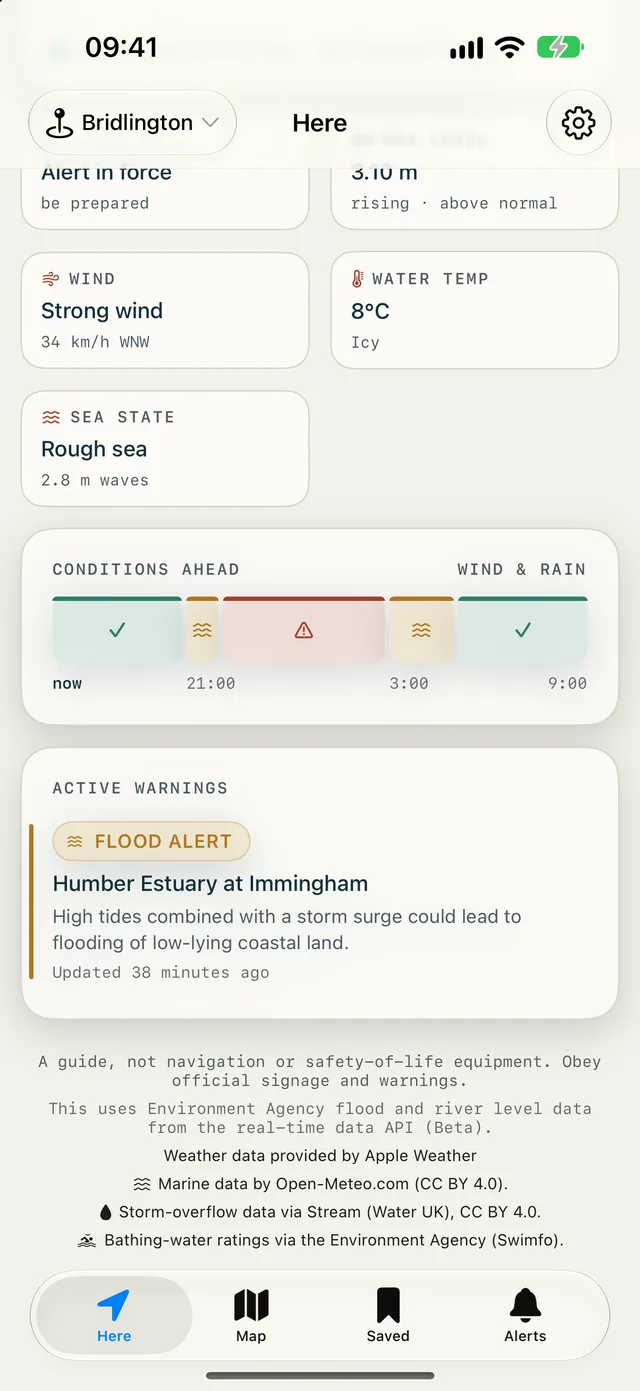
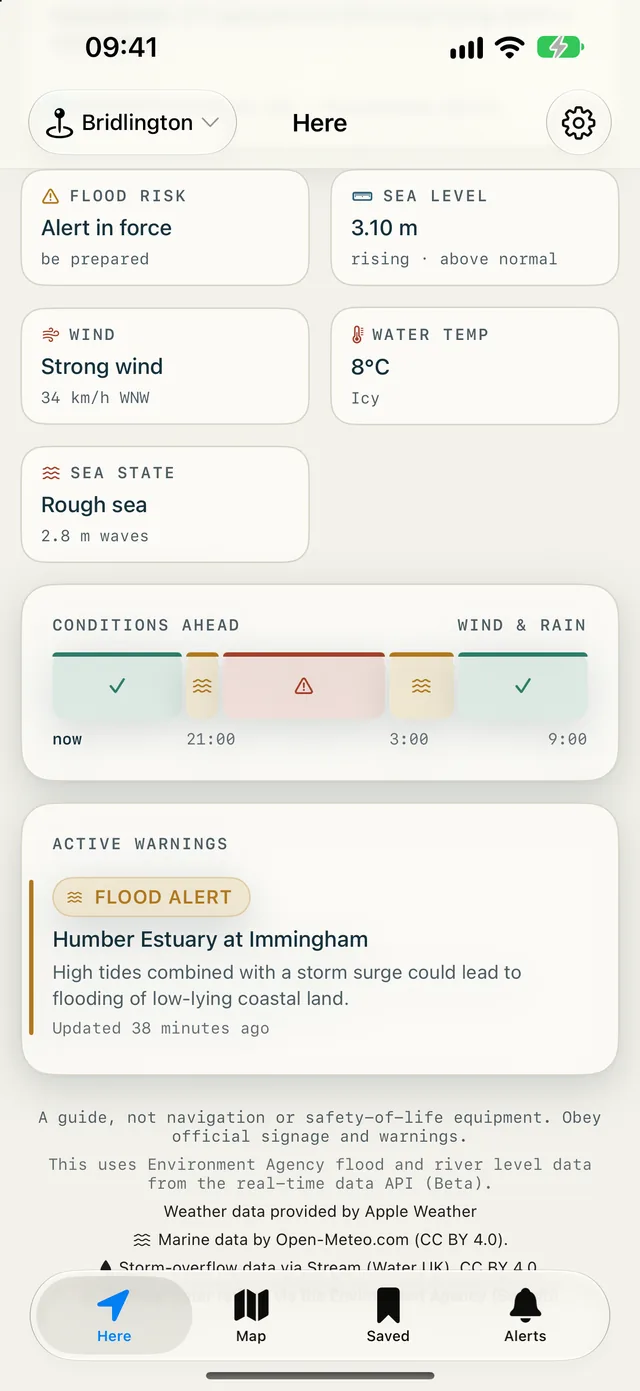
Conditions ahead 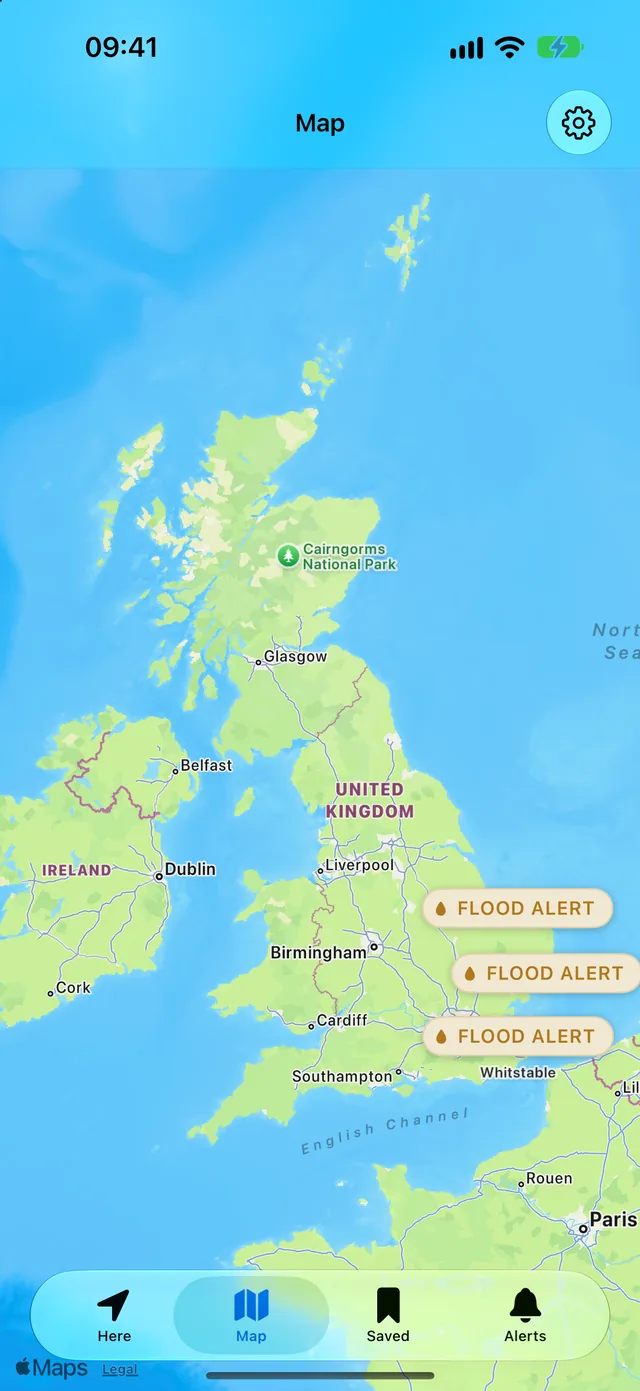
Your spots 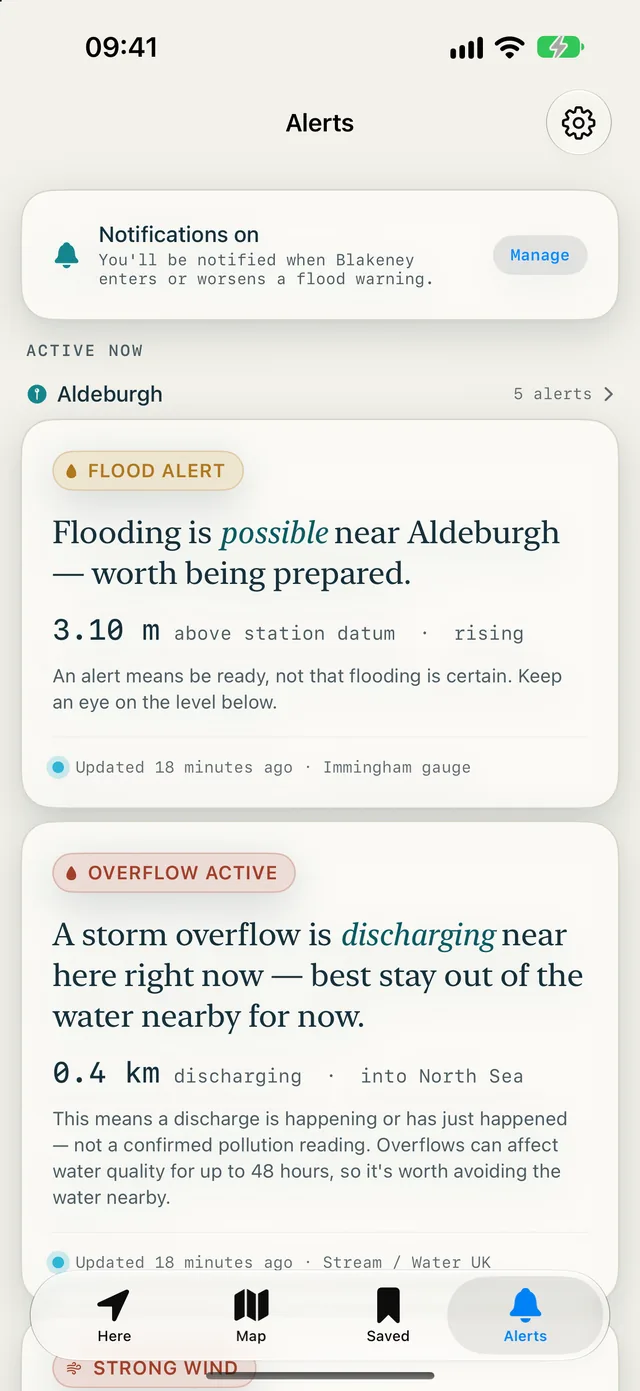
Alerts 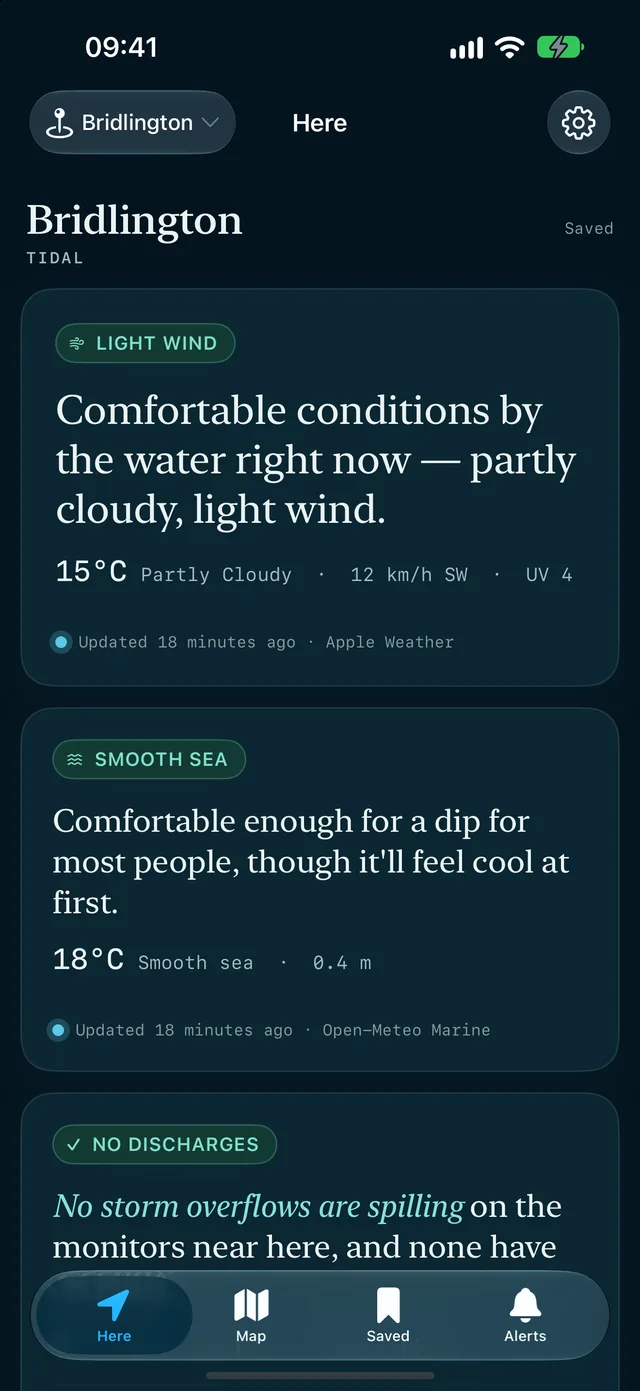
A settled day
On iPad · 5 screens
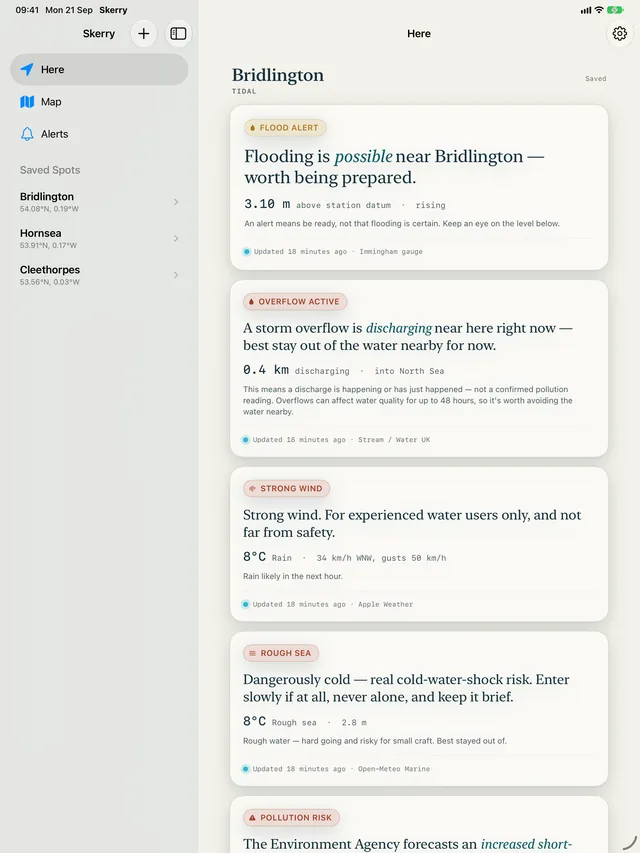
At a glance 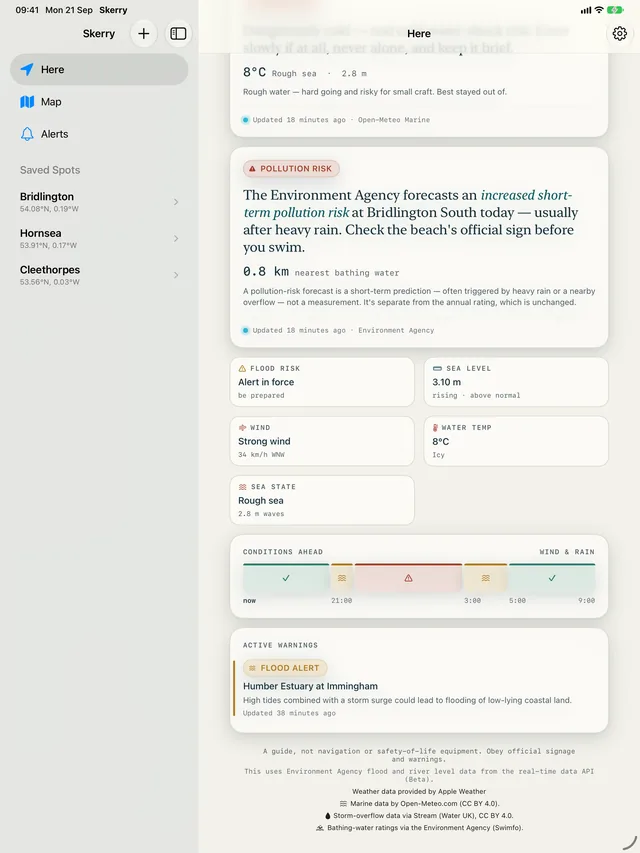
Water quality 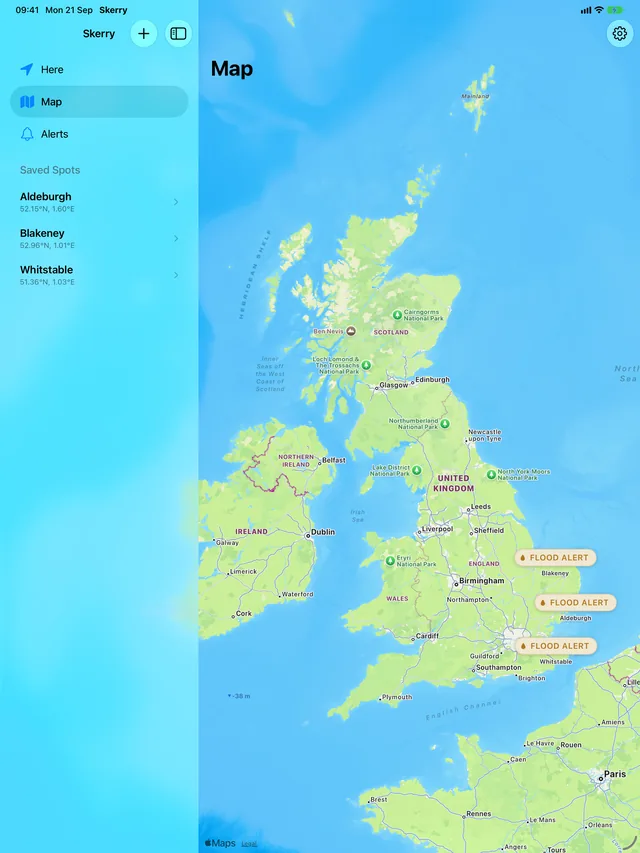
Your spots 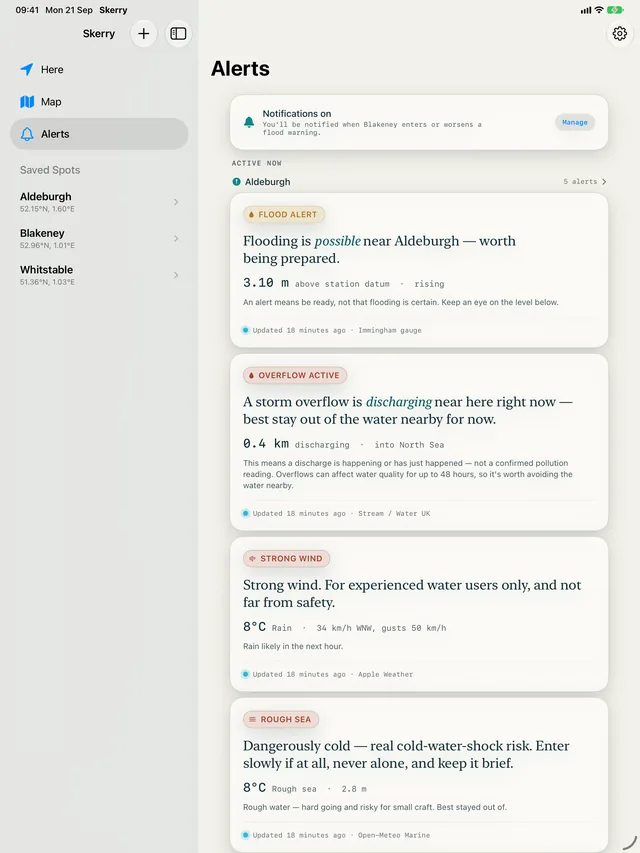
Alerts 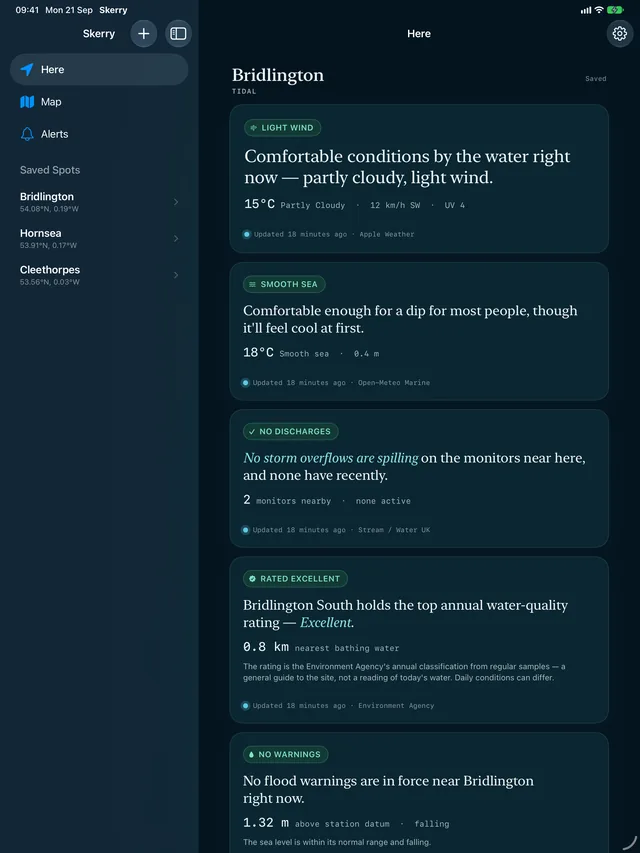
A settled day
On Mac · 4 screens
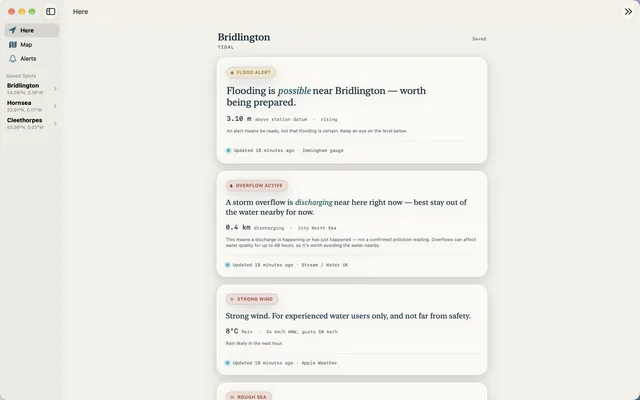
At a glance 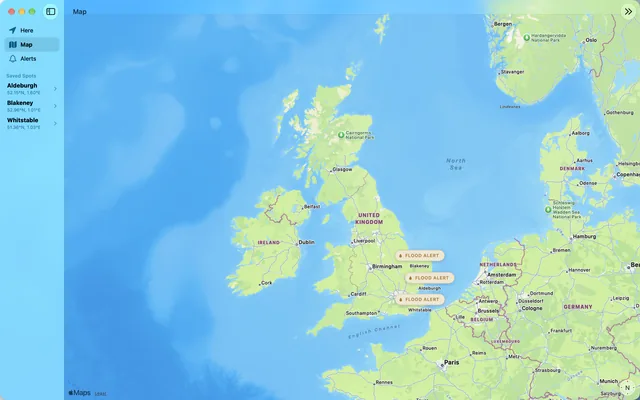
Your spots 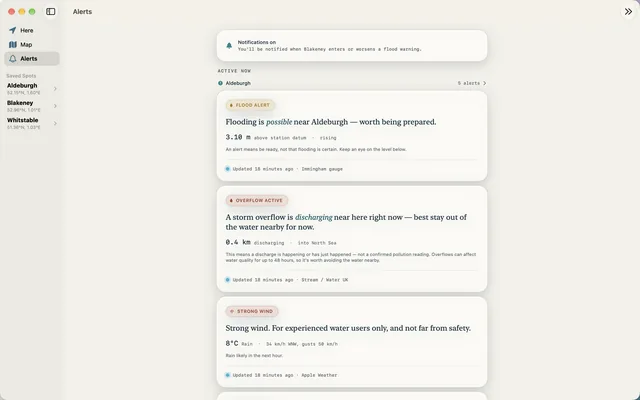
Alerts 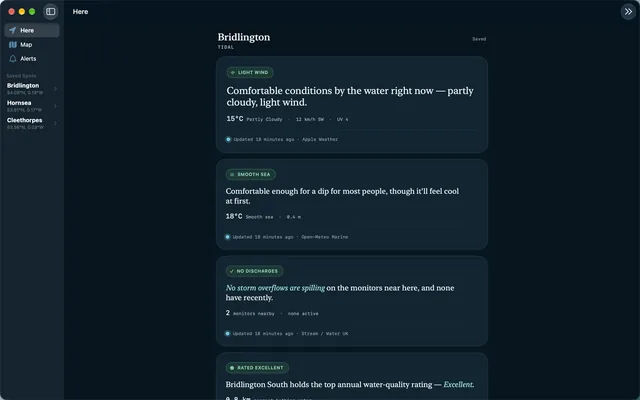
A settled day
Good to know
- Which parts of the UK does it cover?
- Flood alerts, river level, sea level and bathing-water ratings cover England only — that is the Environment Agency’s remit. Storm-overflow status covers the nine English water companies. Weather and sea state work anywhere. Wales and Scotland are not covered yet.
- Where do the readings come from?
- Straight from the organisations that publish them: the Environment Agency’s real-time API for flood warnings and river and sea levels, Apple Weather for weather, Open-Meteo for sea state, and Water UK’s Stream data for storm overflows. Every figure carries the time it was measured and says which gauge it came from, and nothing is averaged. The look at the hours ahead is Apple Weather’s own forecast; Skerry makes no flood predictions of its own.
- Do I need an account?
- No. There is no sign-in, no registration and no Kalmaro account — the app works the moment you open it.
- How many places can I save?
- Up to three. Flood-warning notifications, if you switch them on, cover one of them that you choose — on iPhone and iPad, Skerry checks that spot in the background and tells you when the Environment Agency issues or escalates a warning there.
- Does it work with Siri?
- Yes. Ask Siri “What’s the flood risk in Skerry?” and it reads out the current flood status for one of your saved spots, using the same live Environment Agency data as the app. Adding a spot and opening one are in Shortcuts too.
- Does it use my location?
- This version does not ask for location permission at all: it declares no location usage string, so iOS cannot even present the prompt. You add places by searching, tapping the map, or pasting coordinates.
Coverage
Flood alerts, river level, sea level and bathing-water data cover England only — that is the Environment Agency's remit. Storm-overflow status covers the nine English water companies. Weather and sea state work anywhere. Wales and Scotland aren't covered yet.
Data sources
- This uses Environment Agency flood and river level data from the real-time data API (Beta).
- Weather data provided by Apple Weather.
- Marine data by Open-Meteo.com (CC BY 4.0).
- Storm-overflow data via Stream (Water UK), CC BY 4.0.
- Bathing-water ratings via the Environment Agency (Swimfo).
Get Skerry
England's flood, river and bathing-water data, in a sentence.
Free, with no in-app purchases, no subscription and no adverts. There is no paid tier and nothing to unlock — every feature is available to everyone.